
Your brokers
An account for each broker.
Pick your broker and add an account for it. Mark ISAs and SIPPs so they stay out of your tax figures, and allow short positions where you need them.
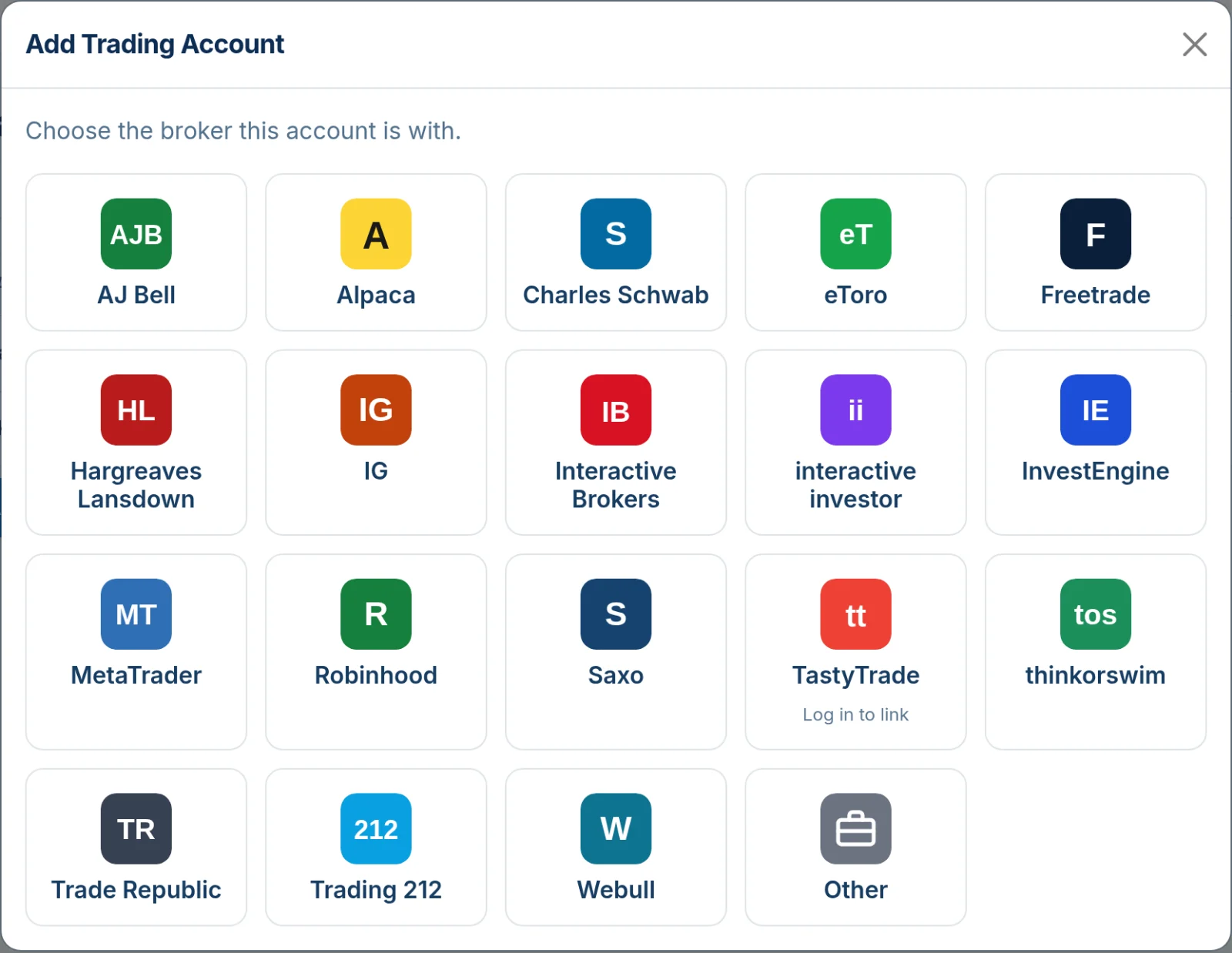

Photo by Maxim Hopman on Unsplash
Photo by Markus Winkler on Unsplash
Import trades, organise tax years, and prepare cleaner HMRC-ready capital gains records for UK traders, with far less manual spreadsheet work.
TraderTaxNinja applies HMRC’s share-matching rules to each account and tax year, and shows its working line by line. These screenshots use a made-up trader and example trades.
Pick your broker and add an account for it. Mark ISAs and SIPPs so they stay out of your tax figures, and allow short positions where you need them.
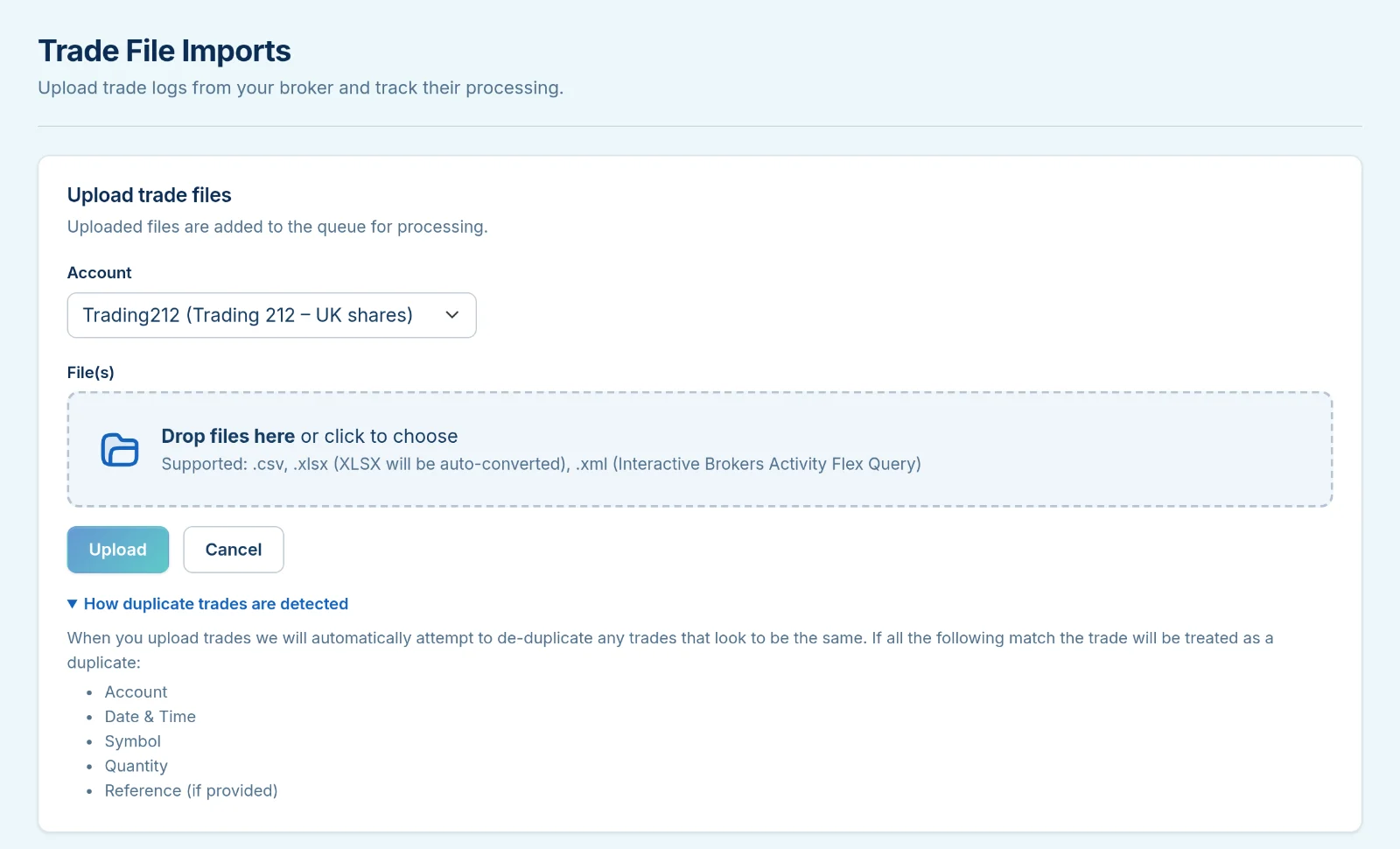
Upload CSV or Excel exports in almost any layout, or Interactive Brokers Flex files. TraderTaxNinja recognises common column names and skips trades it has already seen.
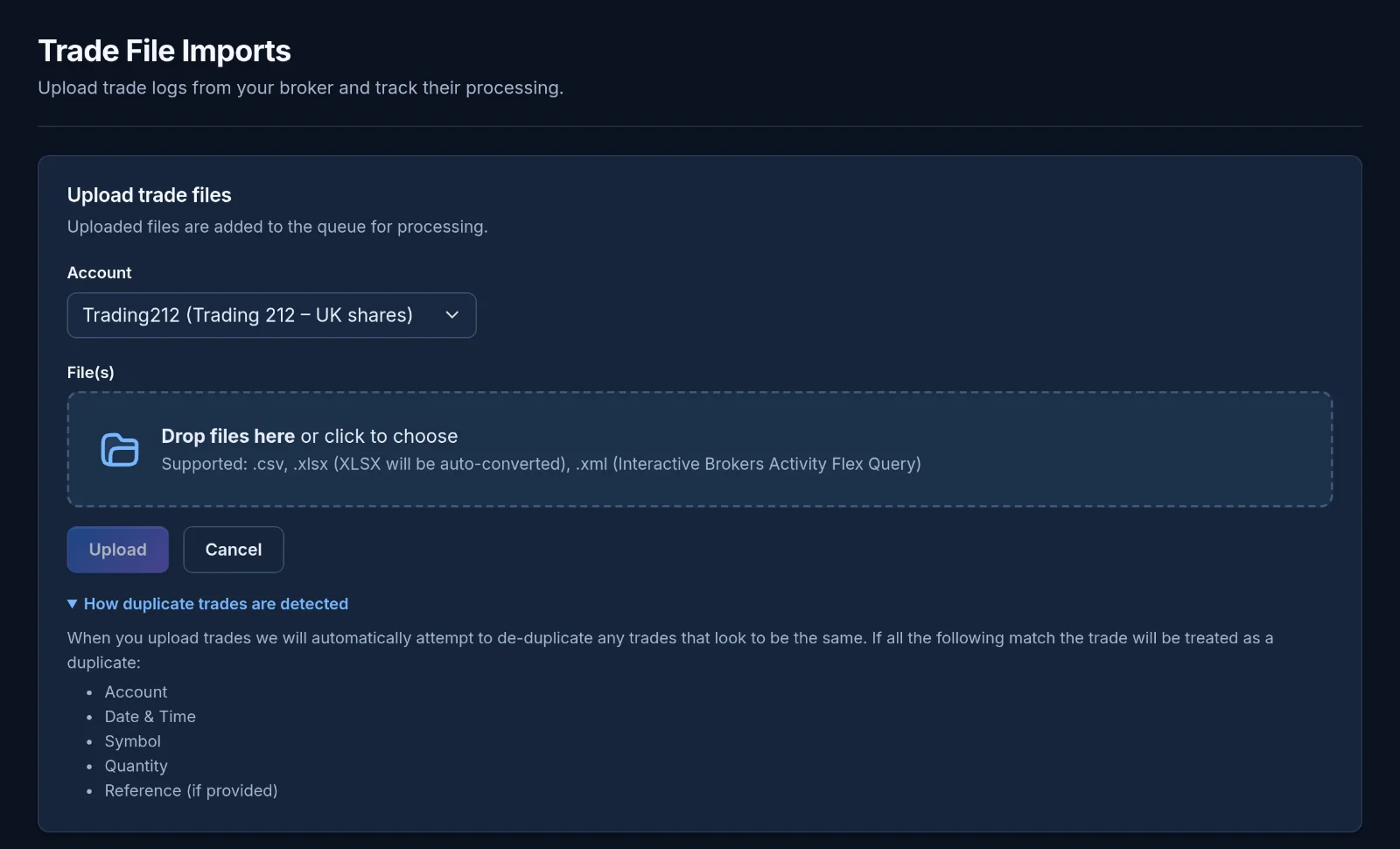
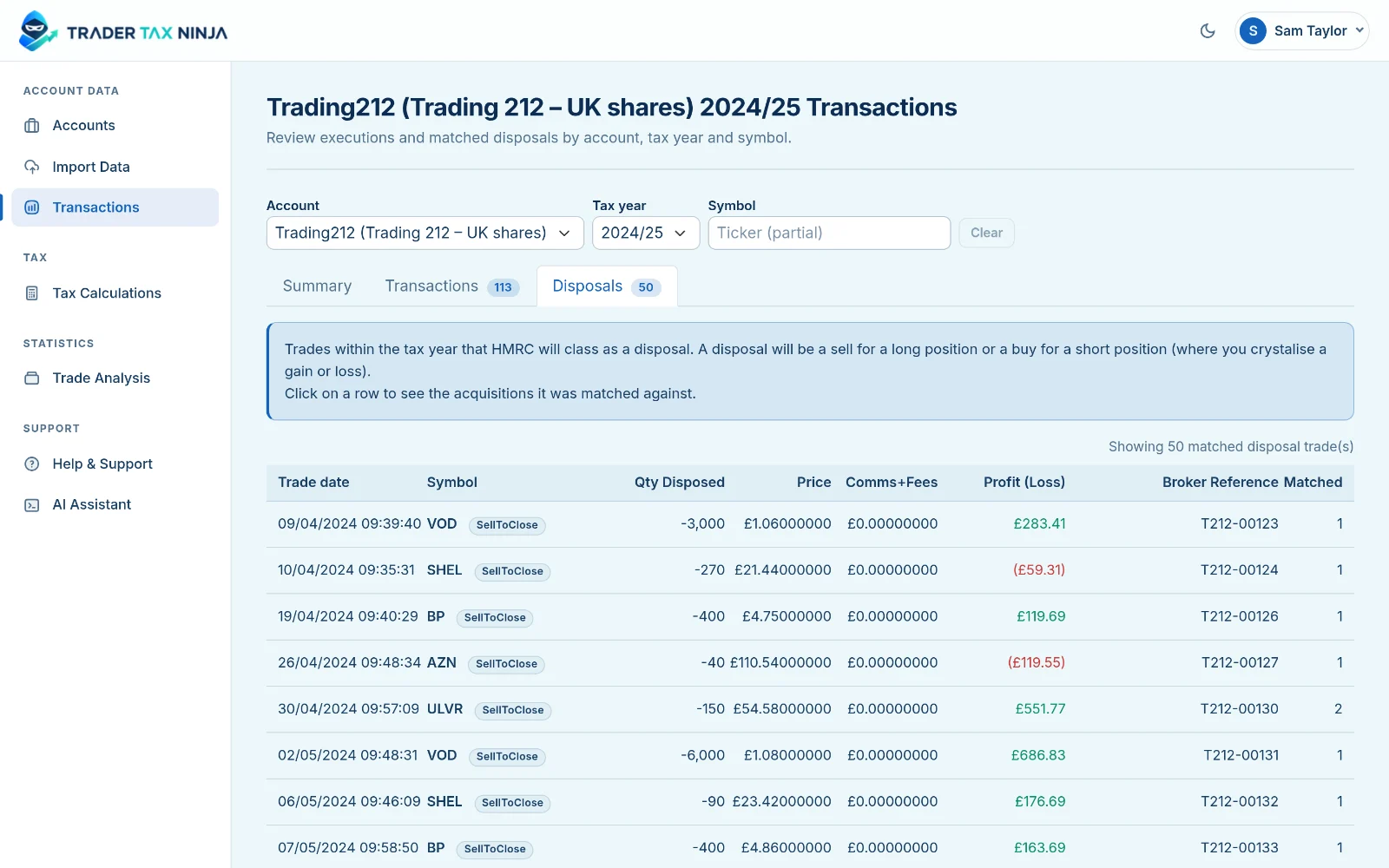
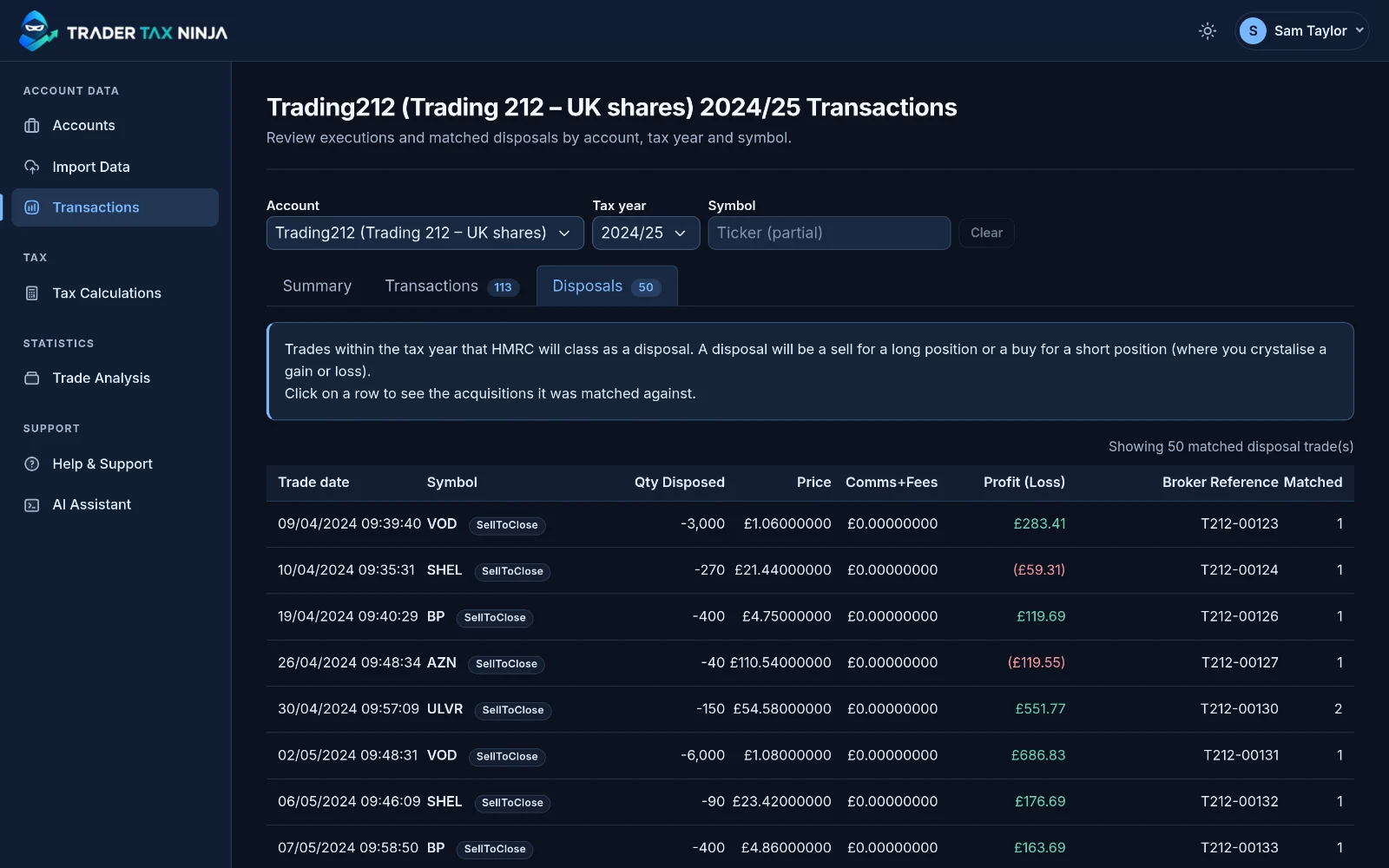
See each sale for an account and tax year, with its fees and its gain or loss in pounds. Sales that can’t be fully matched are flagged, not guessed.
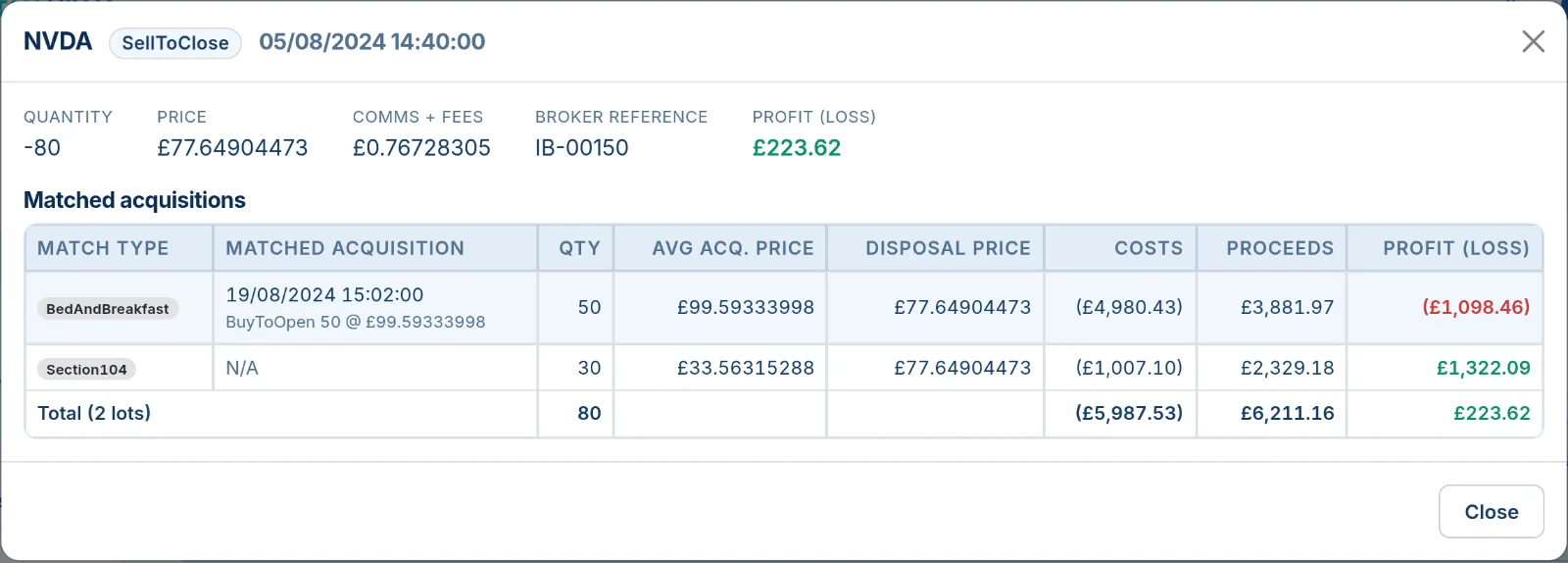
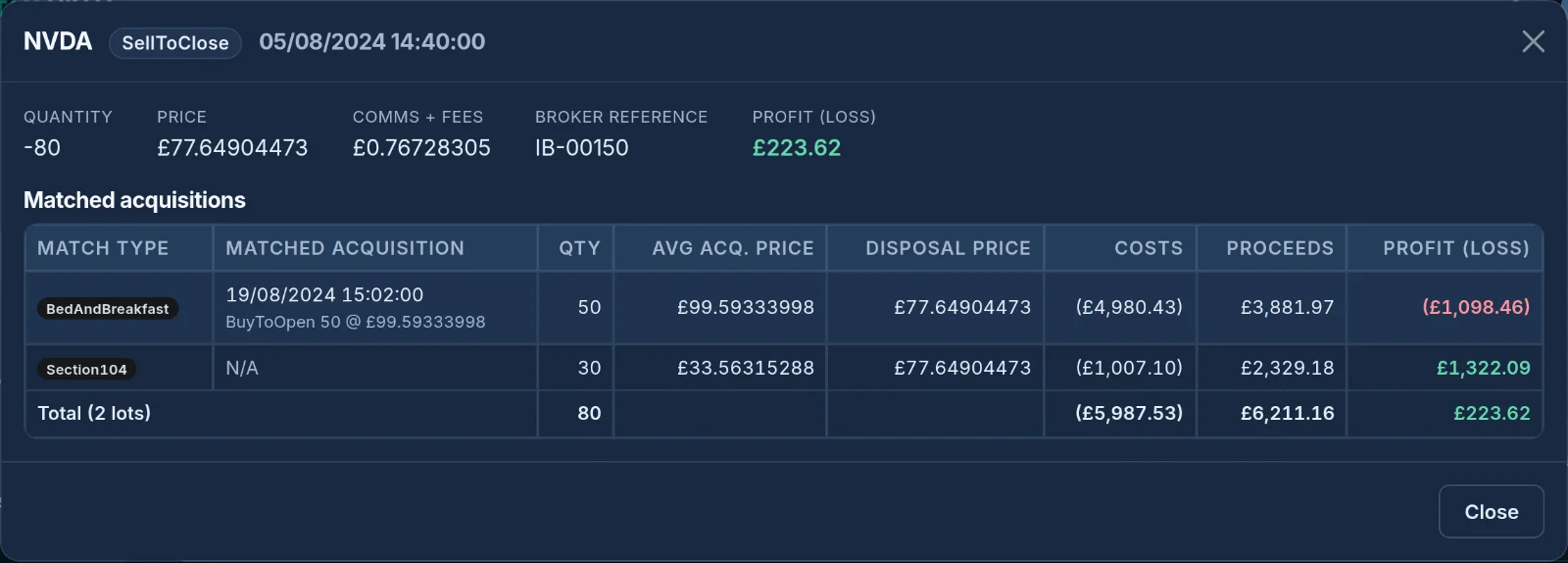
HMRC’s rules are applied for each account and share: same-day purchases first, then purchases in the next 30 days, then your Section 104 pool at average cost. Open any disposal to see which purchases it was matched to and why.
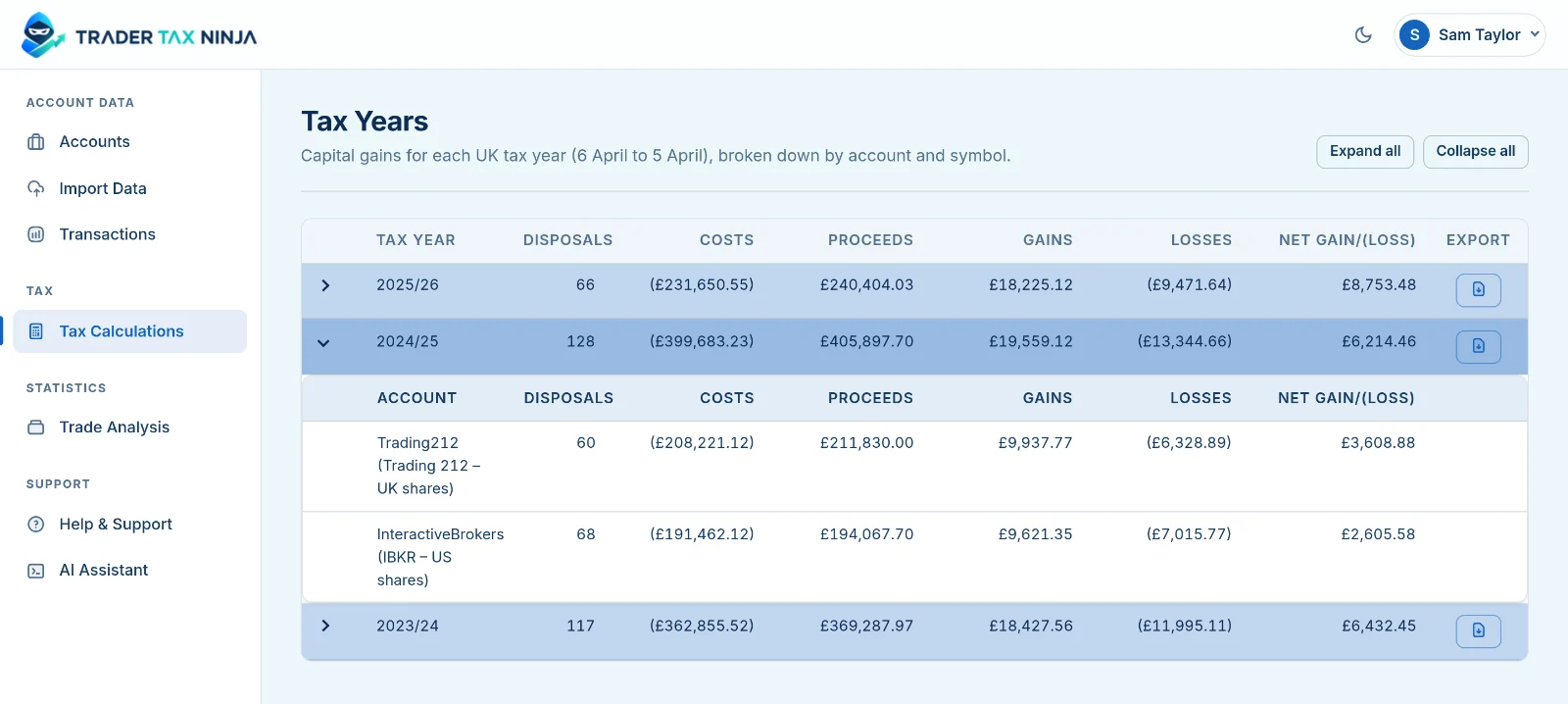
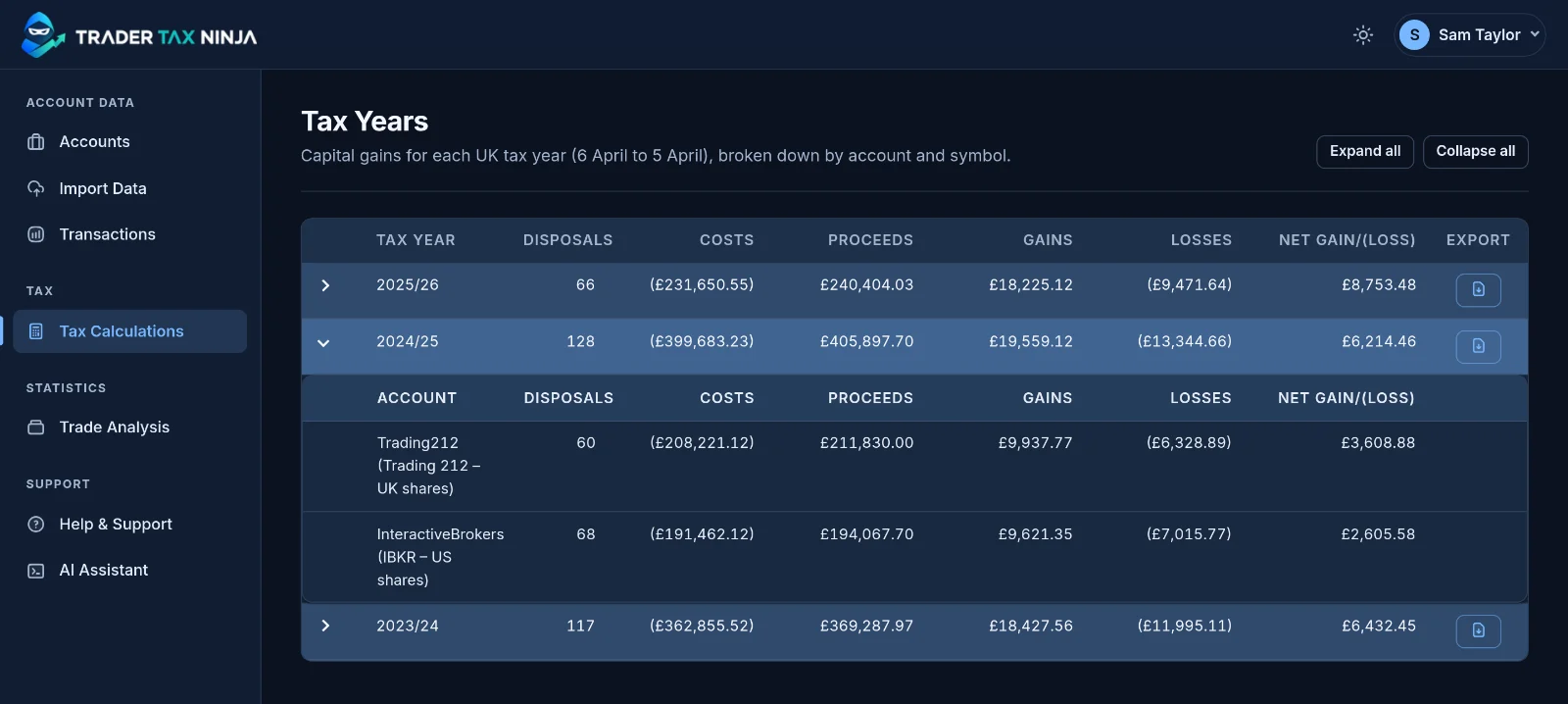
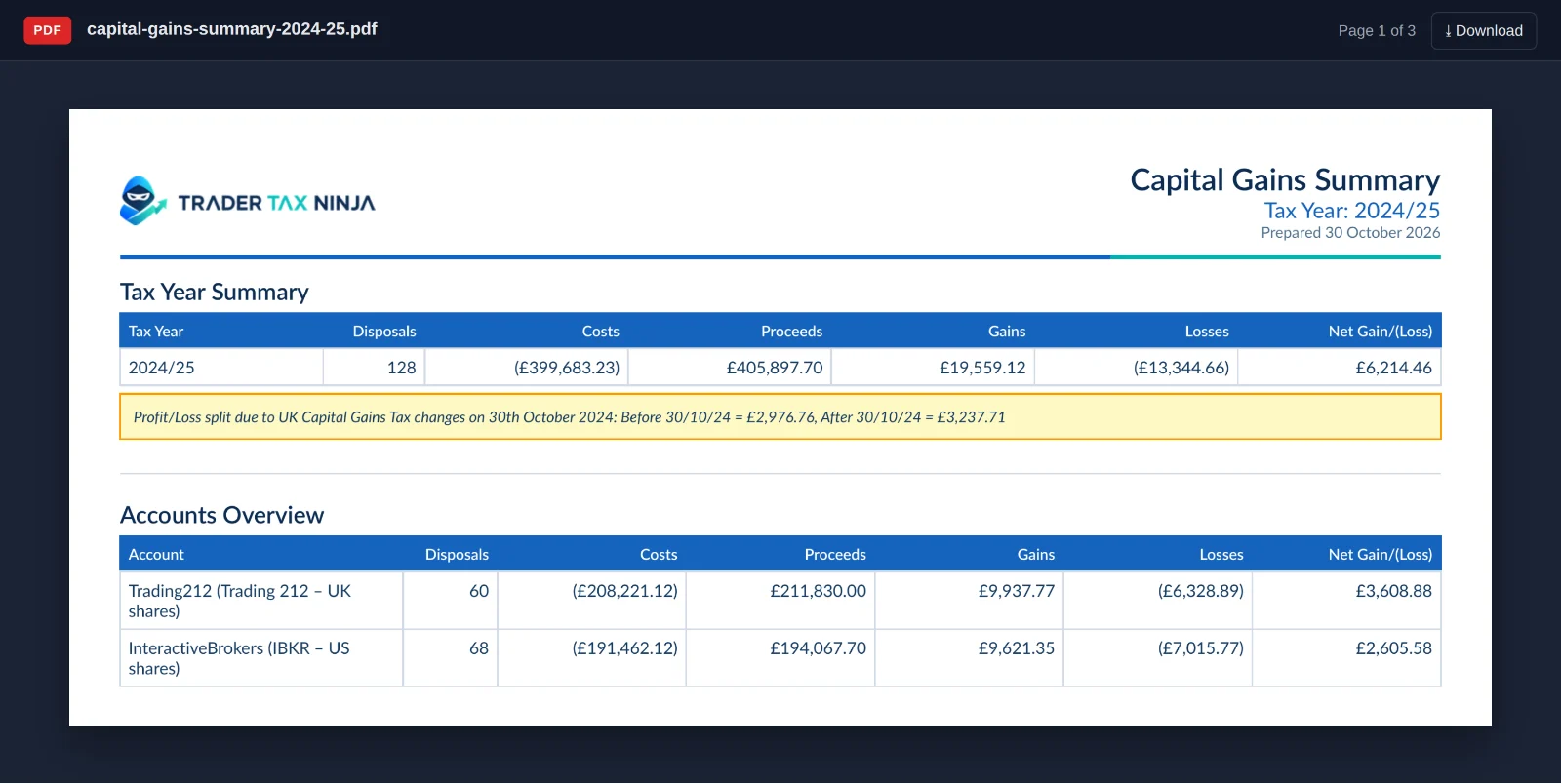
Each UK tax year, from 6 April to 5 April, shows your disposals, costs, proceeds, gains, losses and net figure, broken down by account.
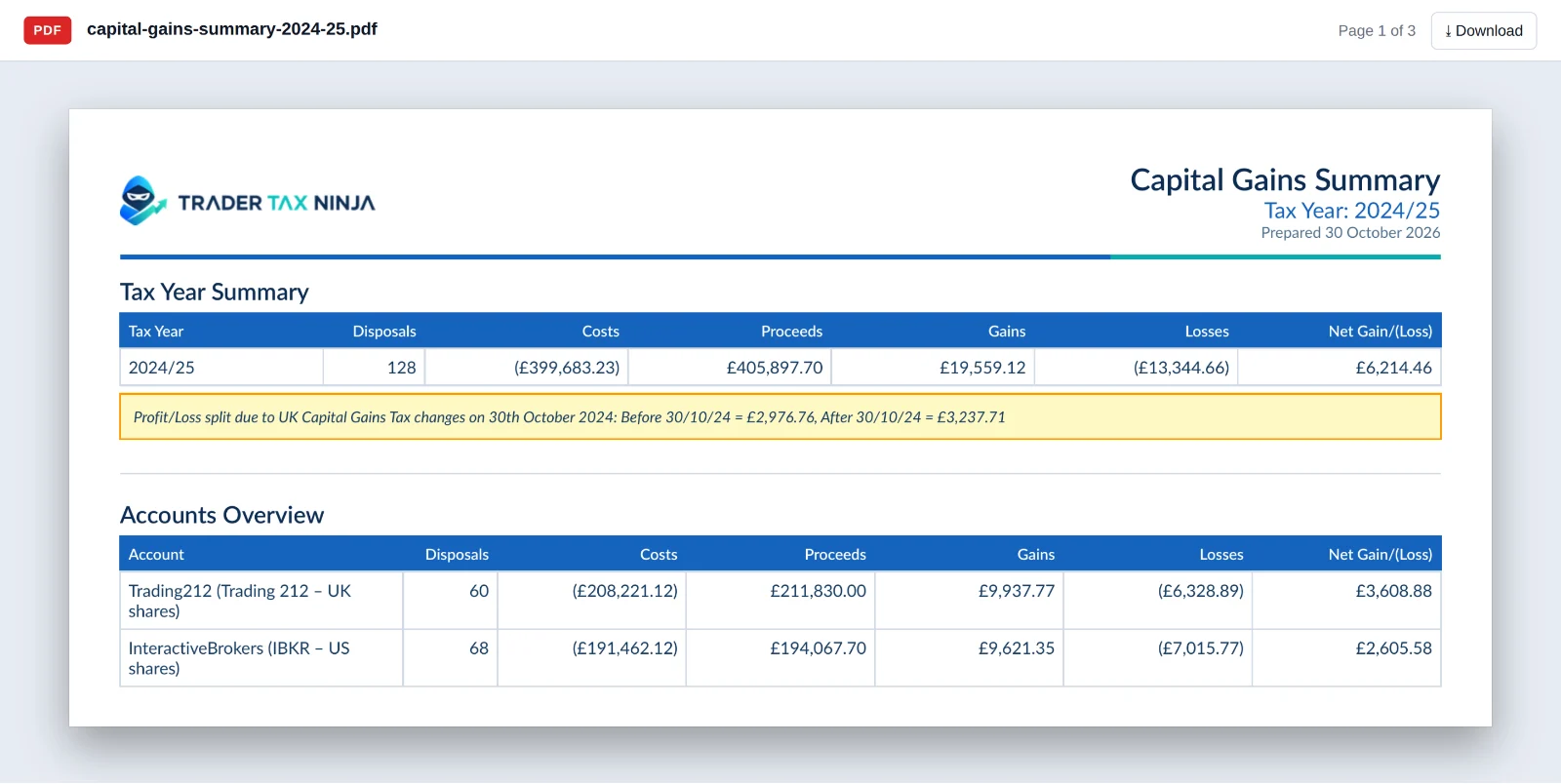
Download a PDF for any tax year, with a summary, an account overview and a breakdown by share. For 2024/25 it splits the result before and after the 30 October 2024 rate change.
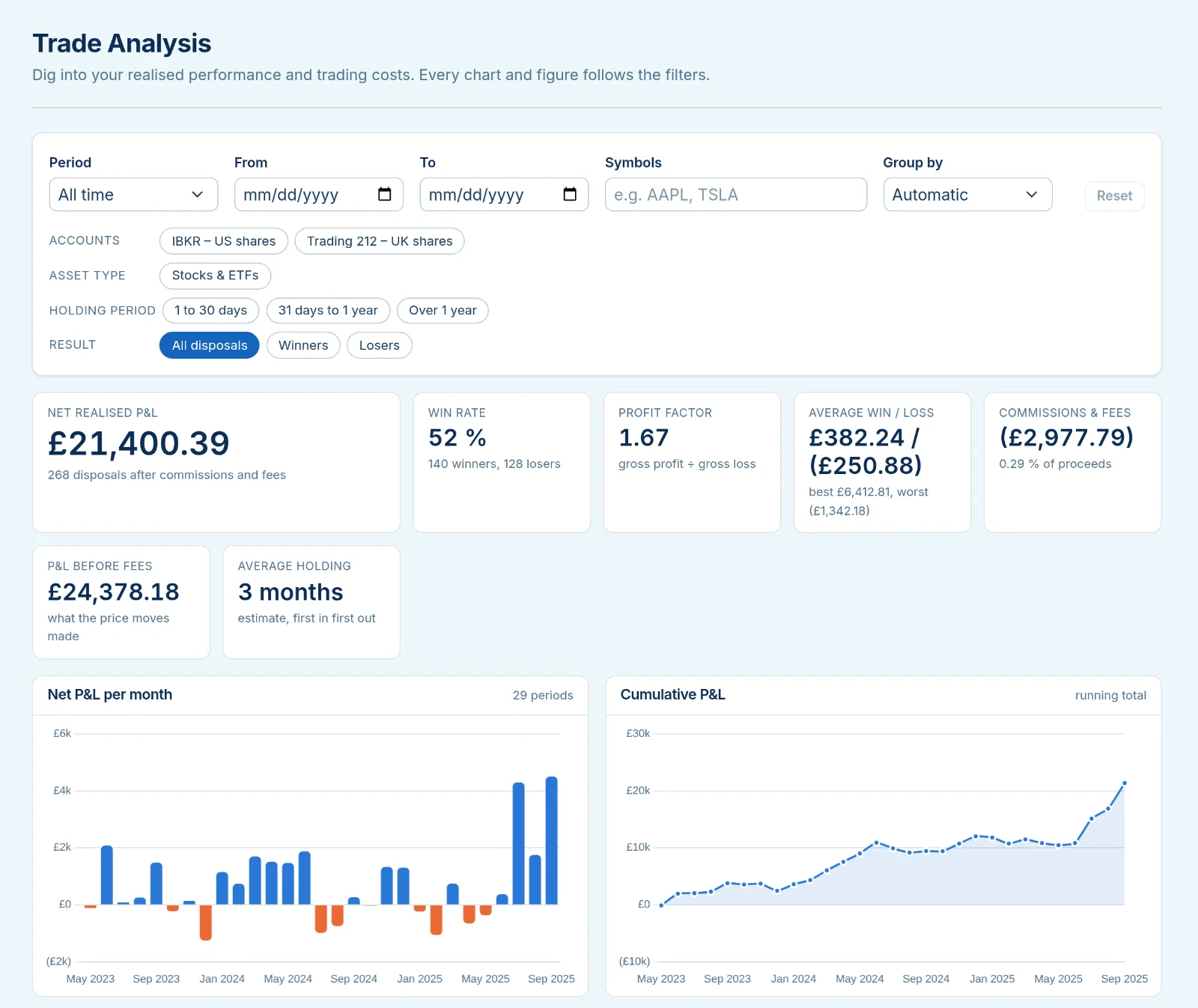
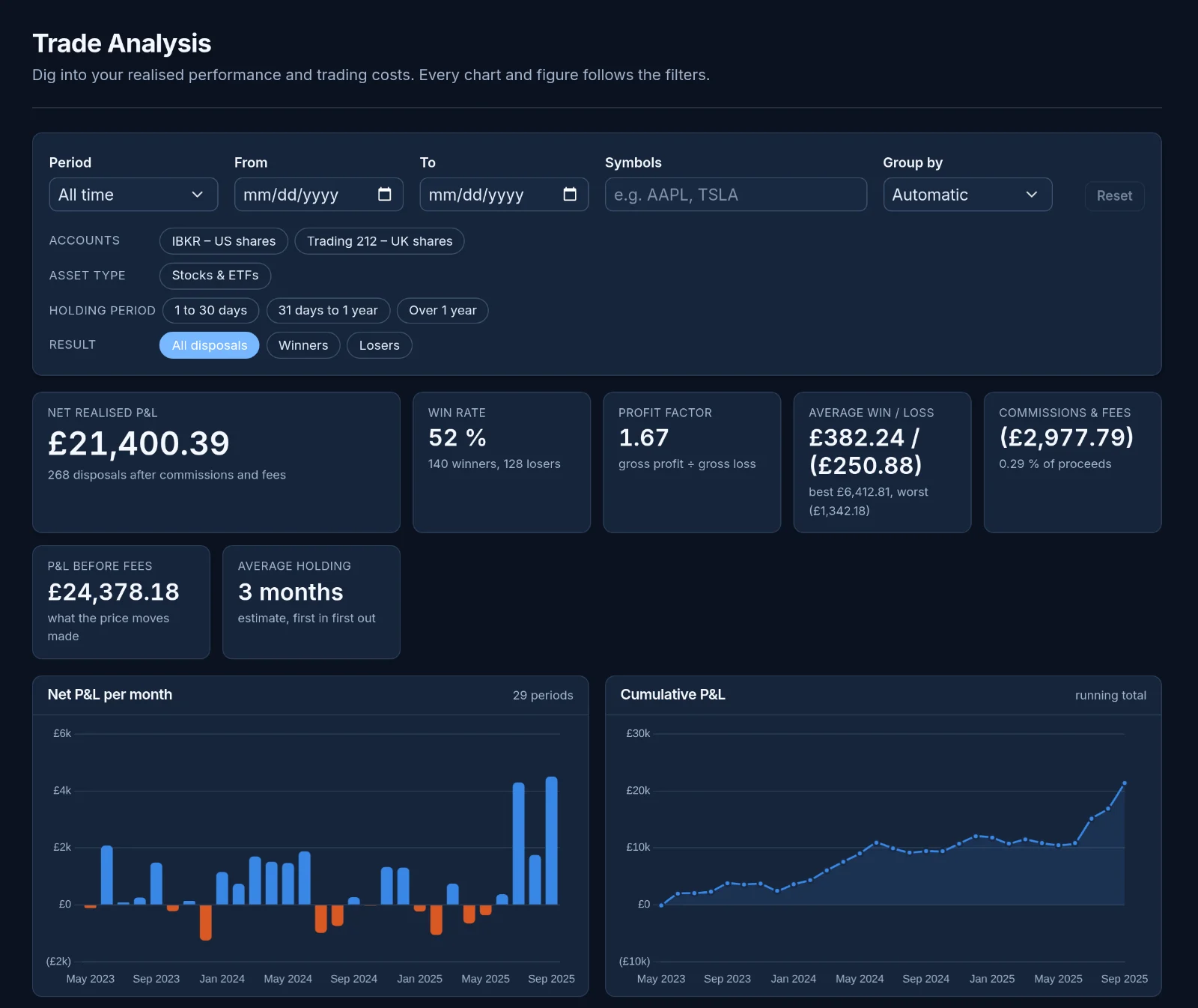
Realised profit and loss, win rate, profit factor and costs, with monthly and running totals, filtered by period, account, share and holding time.
Shares bought and sold on the same day are matched together before the pool, and each match is shown.
Trades in US dollars, euros and 18 other currencies are converted at HMRC’s published monthly rates.
Mark tax-free accounts and they are left out of your capital gains figures.
Bring trades in from Tastytrade, Trading 212, Alpaca and Interactive Brokers without exporting files.
A full MCP layer lets Claude, ChatGPT or Gemini read your trades and figures, and import or tidy them for you. Every change is previewed and confirmed before anything is saved.
A Windows importer for bringing in broker files from your computer.
No. TraderTaxNinja calculates figures from the trades you import and shows how it got them. Check them, and take advice if you’re unsure.
Capital gains on shares, ETFs and equity options. It doesn’t cover crypto, futures or currency trading.
Not yet. It shows your gains and losses for each tax year; your annual exempt amount and any losses brought forward from earlier years aren’t taken off.
Any broker that exports a CSV or Excel file of your trades. Freetrade and Interactive Brokers files are recognised automatically, and Tastytrade, Trading 212, Alpaca and Interactive Brokers can be linked directly.
Trade histories can quickly become a collection of exports and spreadsheets. TraderTaxNinja brings those records together, organises them by tax year, and makes preparing capital gains reports a clearer, more manageable process.
Interested in TraderTaxNinja? Tell us about your workflow, ask a question, or share what you’d like to see.
Get in touch