Every cloud. Every desktop. One simple, unified app that keeps you in sync.
SteadySync keeps folders on your computer in step with Google Drive, OneDrive, Dropbox and S3-compatible storage on Linux, macOS and Windows, all from one app.
Pick a folder on your computer, pick where it lives online, and SteadySync does the rest. These screenshots are from the current beta.
Four providers
Connect the storage you already use.
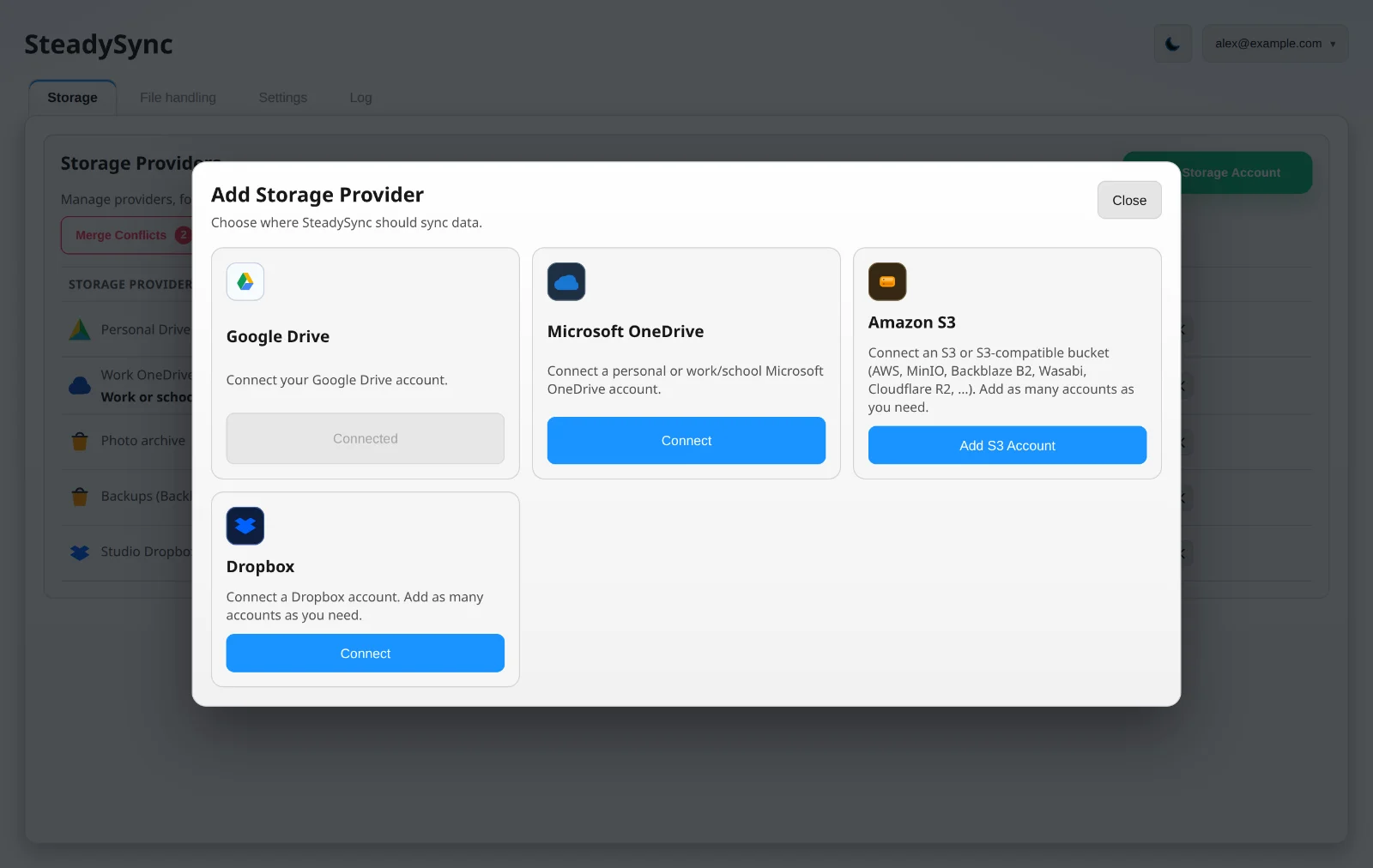
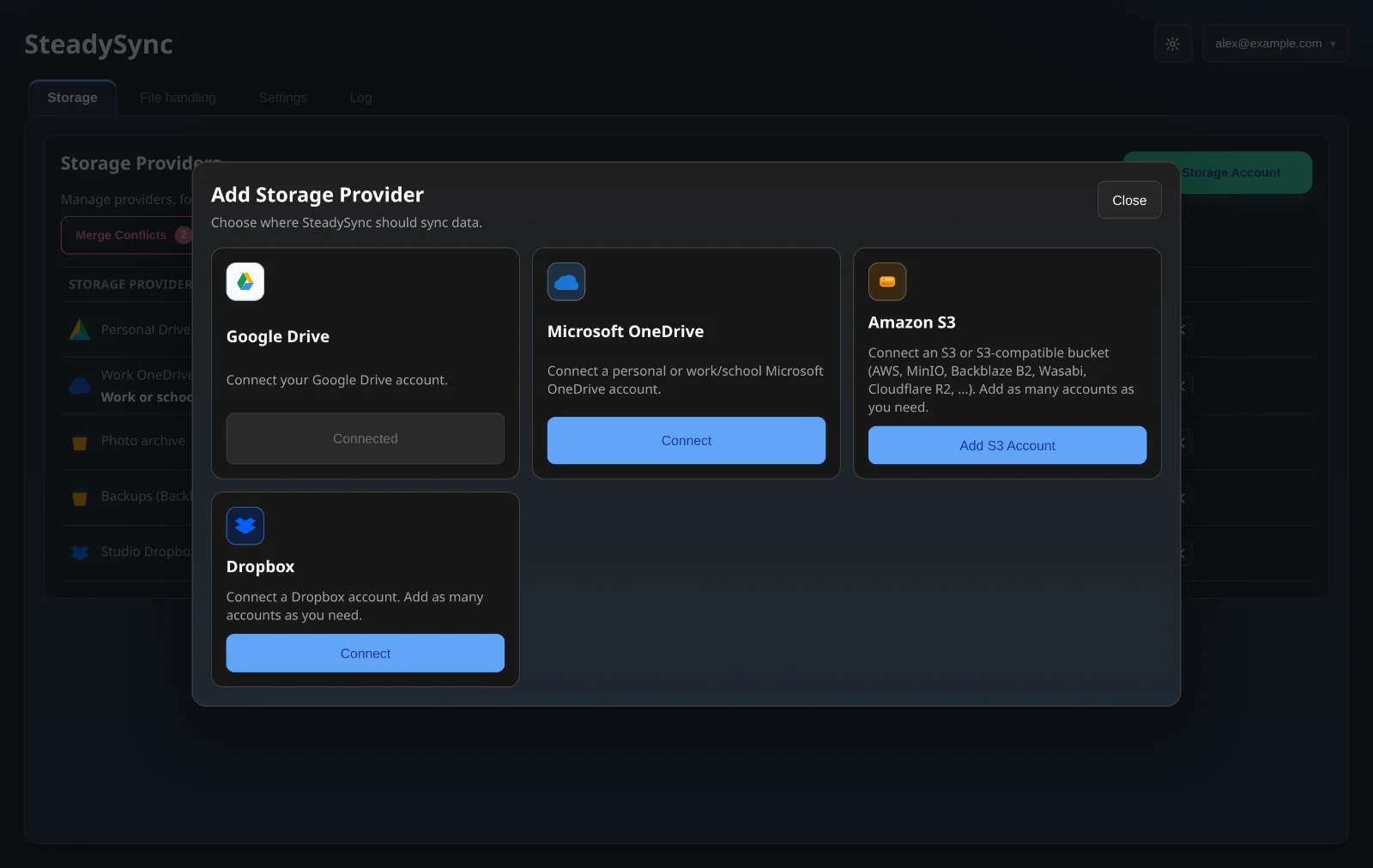
Add Google Drive, Microsoft OneDrive (personal or work and school), Dropbox, or any S3-compatible bucket from the same dialog. Dropbox and S3 take as many accounts as you need.
Amazon S3, MinIO, Backblaze B2, Wasabi, Cloudflare R2 and other S3-compatible services
Browse your remote folders and buckets, or create a new folder, before you pair it
One place
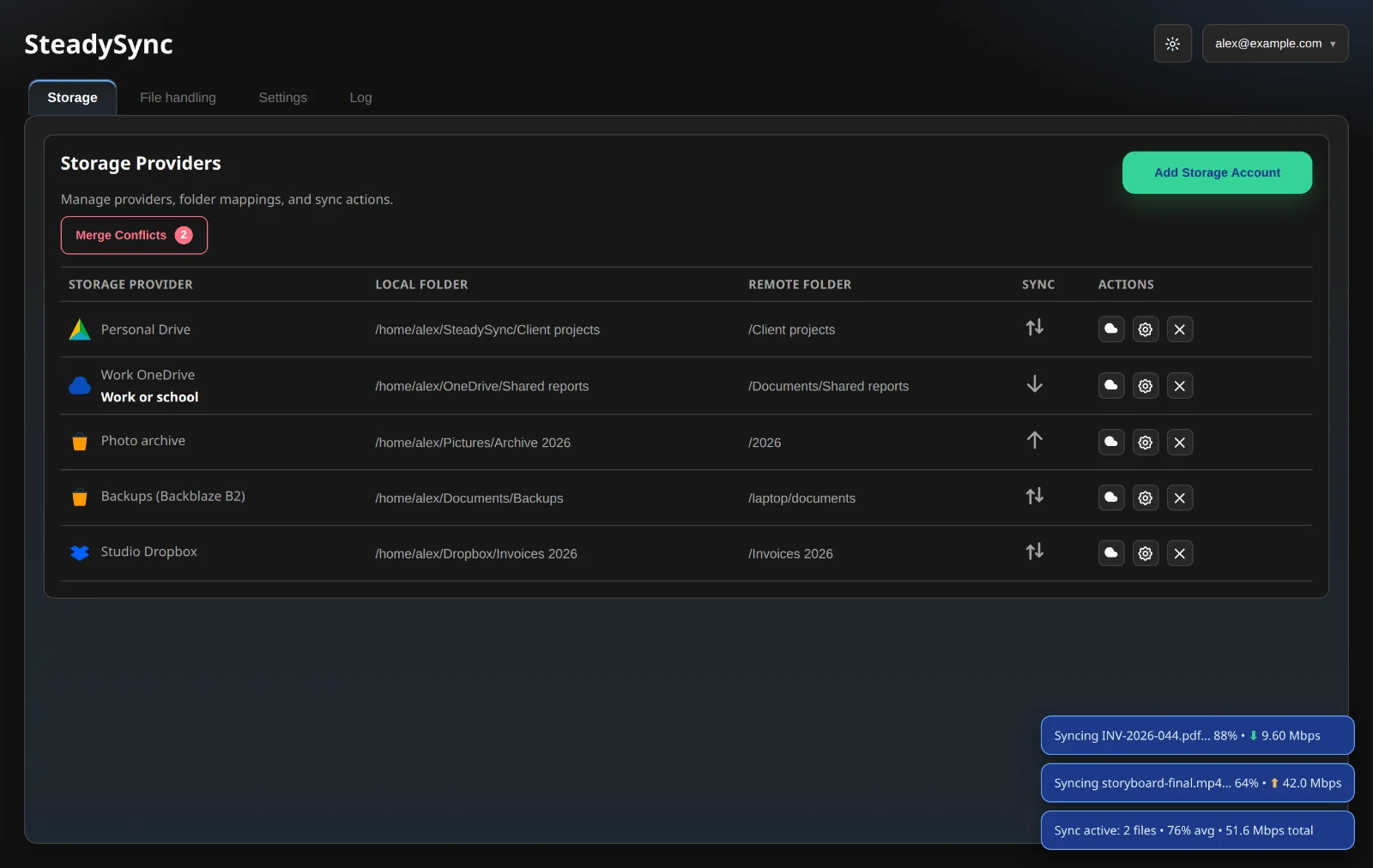
Every account in one table.
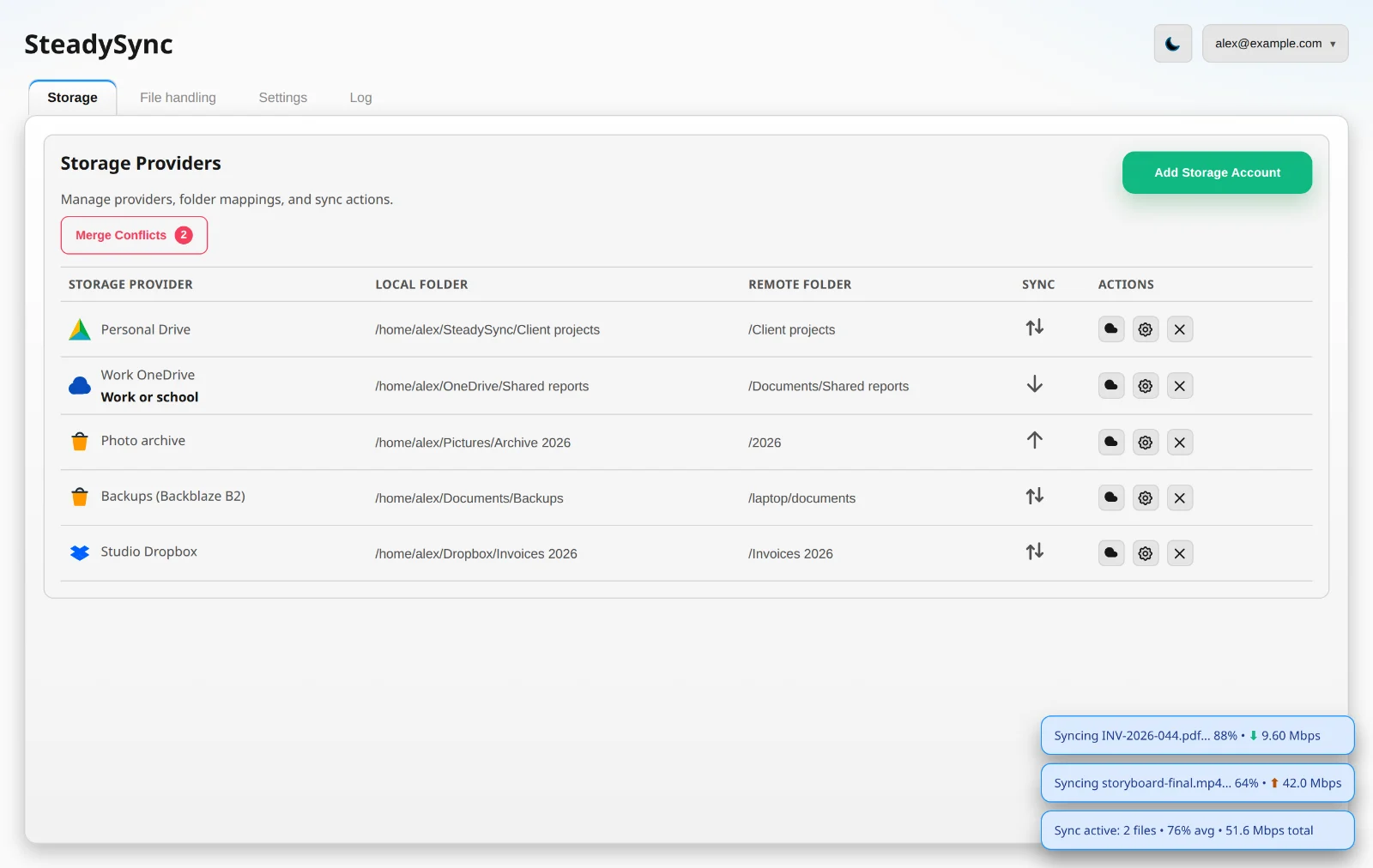
Each account you connect sits on one row with its local folder, its cloud folder and which way files flow, with live progress for every file in the corner.
Your rules
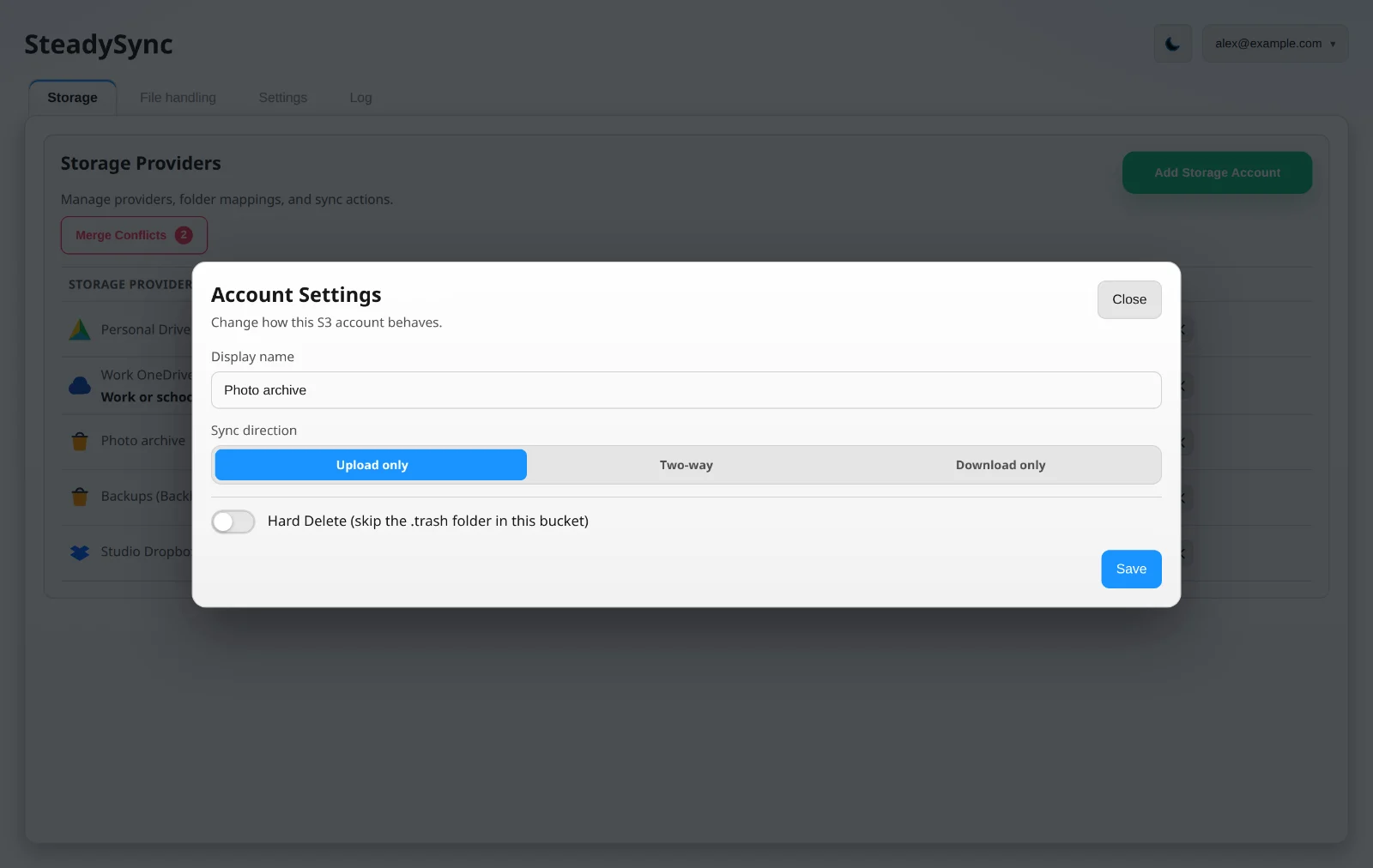
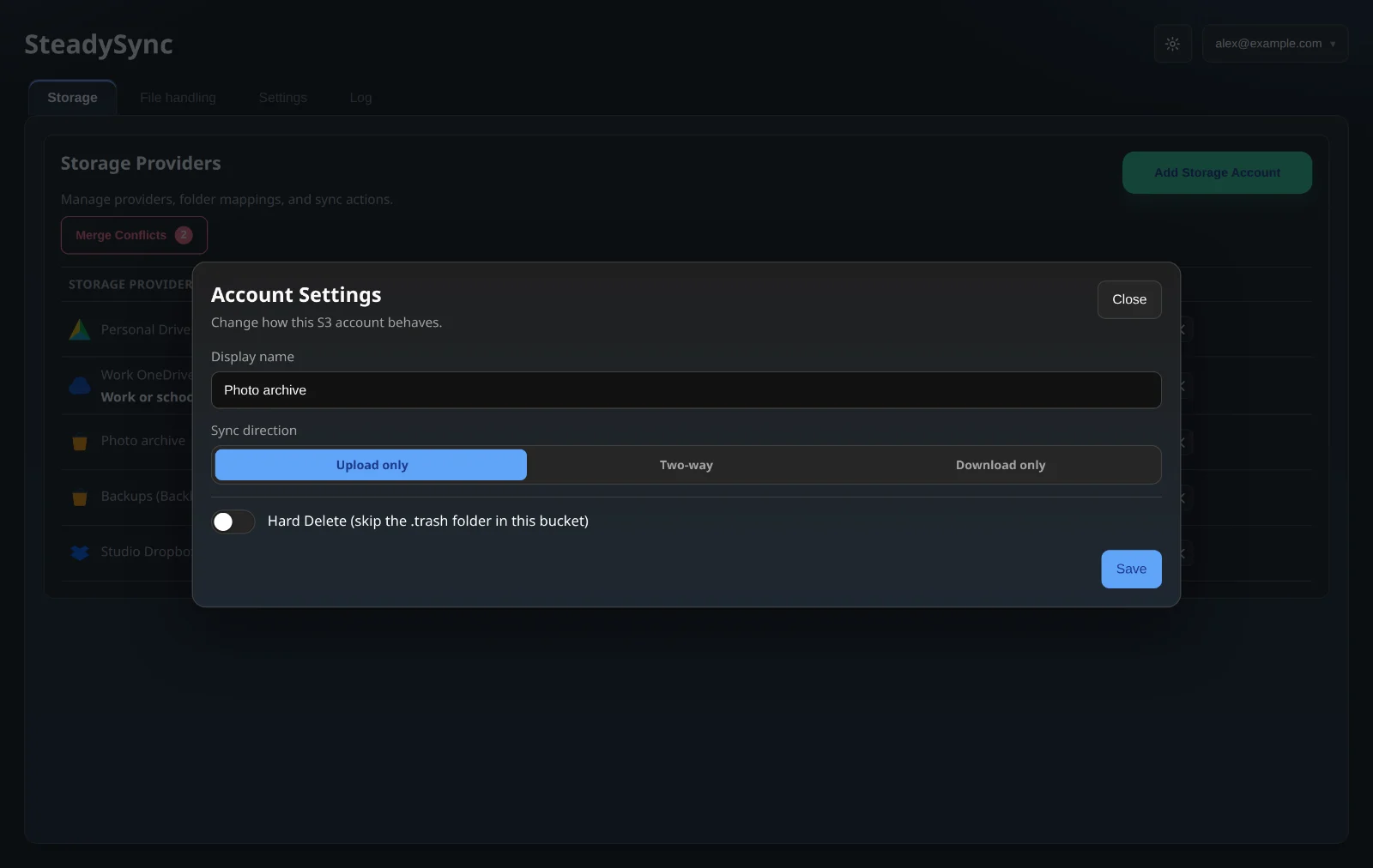
Two-way, upload only or download only.
Choose the direction for each account. Deleted files go to Google Drive’s Bin, OneDrive’s Recycle Bin, Dropbox’s trash or a .trash folder in your bucket, unless you choose to delete permanently.
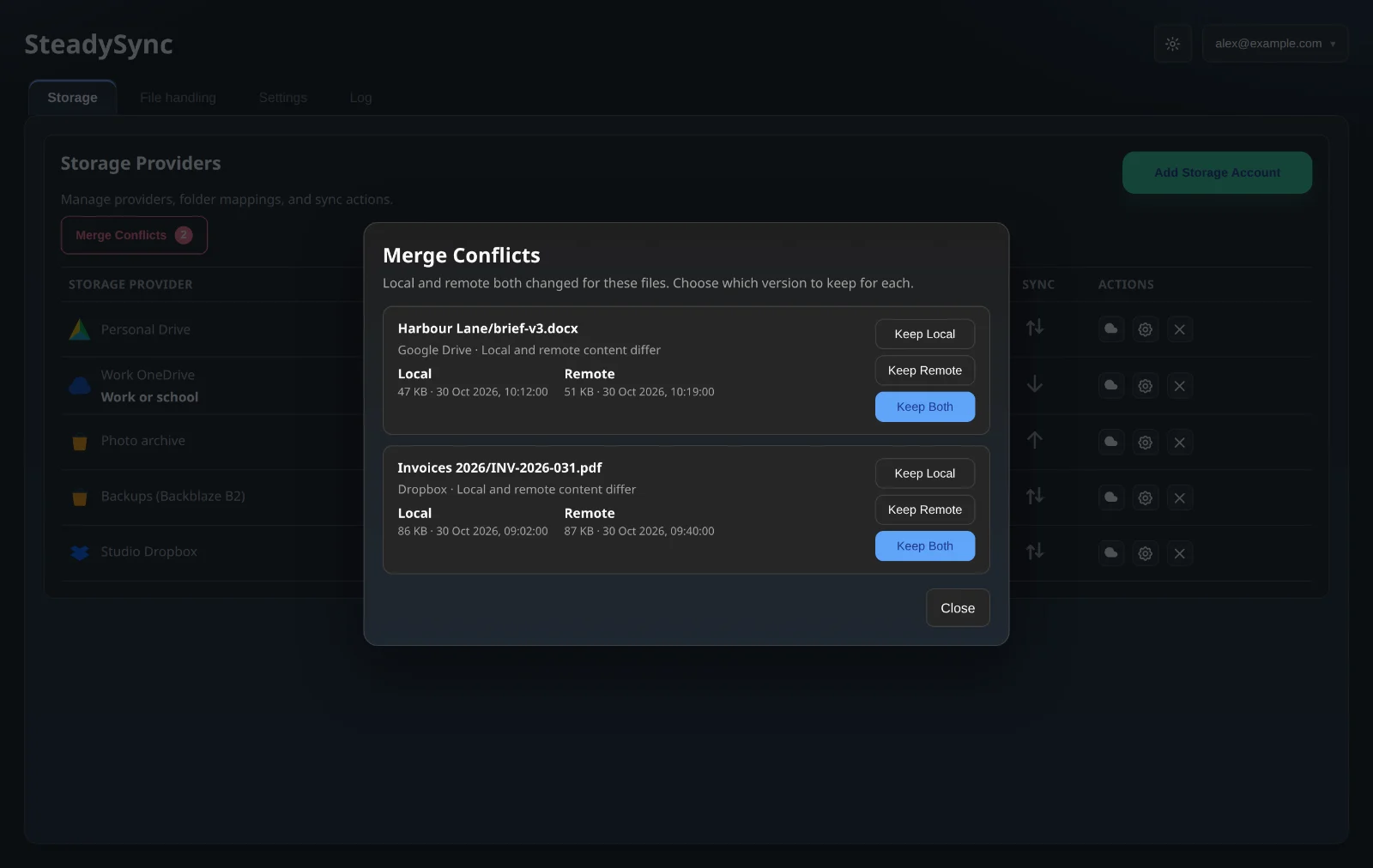
Merge conflicts
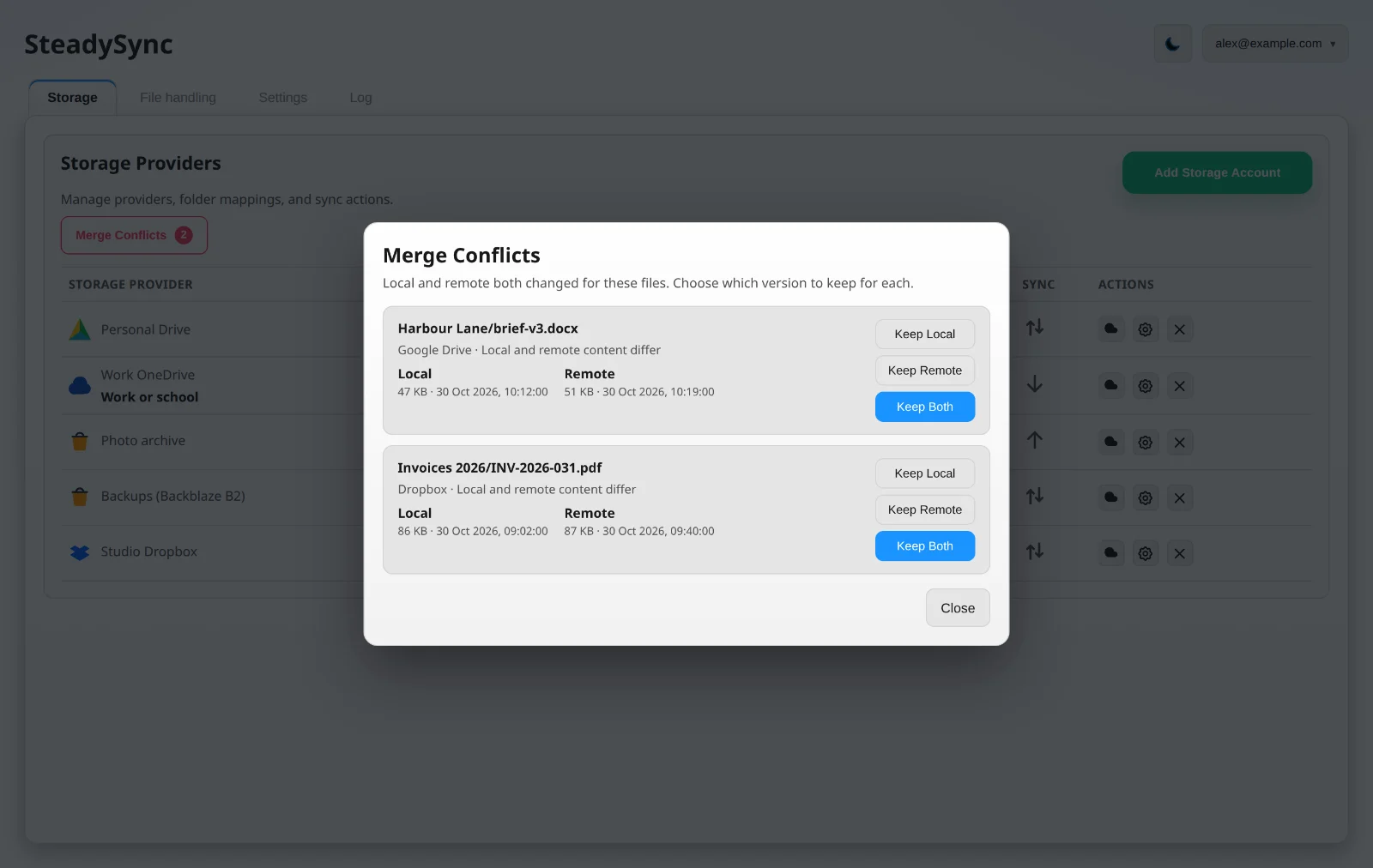
It asks before it overwrites.
If a file changes in both places, SteadySync holds it and shows you both versions. Keep the local copy, the remote copy, or both.
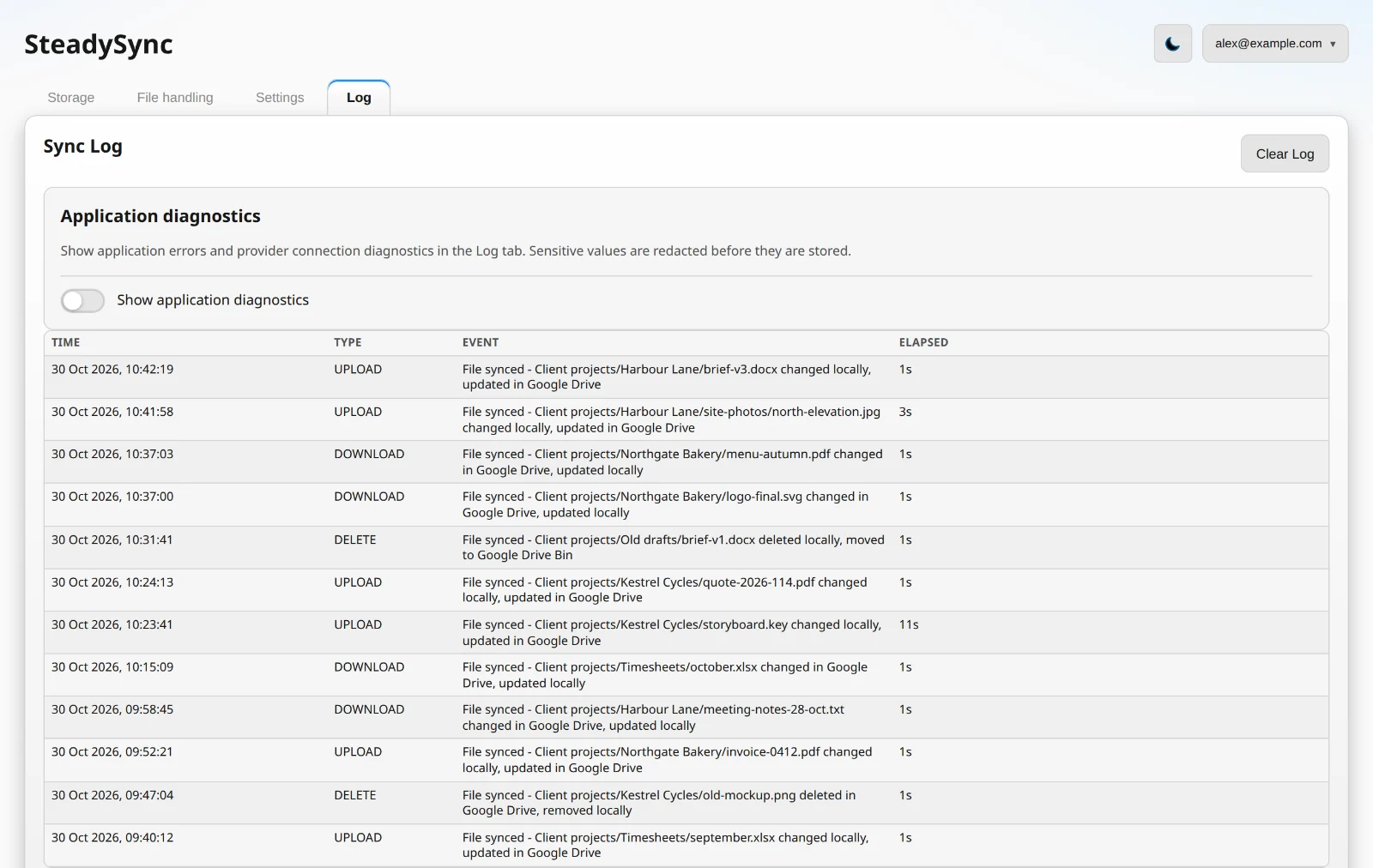
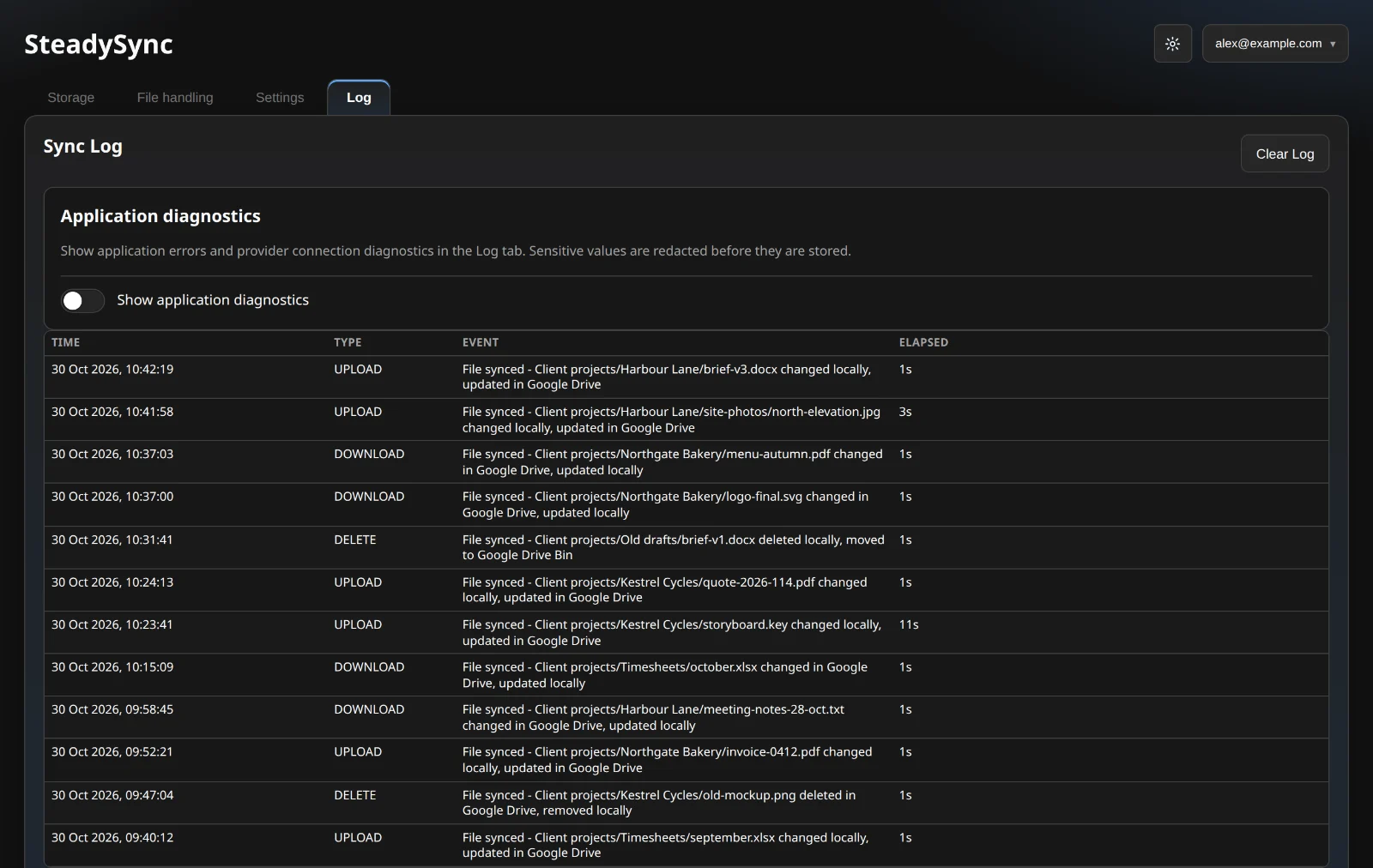
Sync Log
A clear record of every change.
See each upload, download and delete as it happens, and look back over all of them in the Sync Log. Diagnostics, with sensitive values removed, are there if something needs looking into.
Features
Built for everyday use.
S3-compatible storage
Use a custom endpoint and path-style addressing. SteadySync tests the connection before it saves the account.
Pick exactly what syncs
Pair any local folder with a remote folder, browsing your buckets and folders to choose the one place to keep in step.
Open office files in Google Docs and Sheets
Open spreadsheets and documents from your file manager in Google Sheets or Docs. Files outside the sync folder are uploaded as a copy; the original is never changed.
Your keys stay on your computer
Cloud credentials are kept in your operating system’s secure storage, and your files go straight between your computer and your cloud.
Runs in the background
Opens at login, lives in the tray or menu bar with Sync Now for each account, and keeps itself up to date.
Instant syncing on the paid plan
Free checks every five minutes, one transfer at a time. Paid watches your files instantly, checks the cloud every 15 seconds and runs five transfers at once.
Questions
Good to know.
What does it cost?
SteadySync is free for two storage accounts. The paid plan is £2.50 a month, billed monthly, and adds unlimited accounts, instant syncing and more transfers at once. You can cancel any time.
Does SteadySync see my files?
No. Your files go straight between your computer and your cloud storage, and your cloud credentials stay in your operating system’s secure storage.
What happens when I delete a file?
By default it goes to your provider’s bin or trash, so you can get it back. You can switch Google Drive, OneDrive and S3 accounts to delete permanently.
Your files. Your way of working.
Switching operating systems or working across cloud providers should not mean starting over. SteadySync brings your supported storage accounts into one desktop experience, helping you spend less time moving files and more time using them.
Connections & roadmap
Google Drive, Microsoft OneDrive and Dropbox
Amazon S3 and S3-compatible storage
More than one Google Drive or OneDrive account (planned)
Files on demand on Windows, downloaded when you open them (in development)
Simple pricing
Free for two accounts, or £2.50 a month
Visit the product website for the latest availability and plan details.