
Today
Start every day knowing what needs doing.
Customers waiting for an answer, MOTs running out, follow-ups that are overdue and stock that’s getting old, each with a button to deal with it.
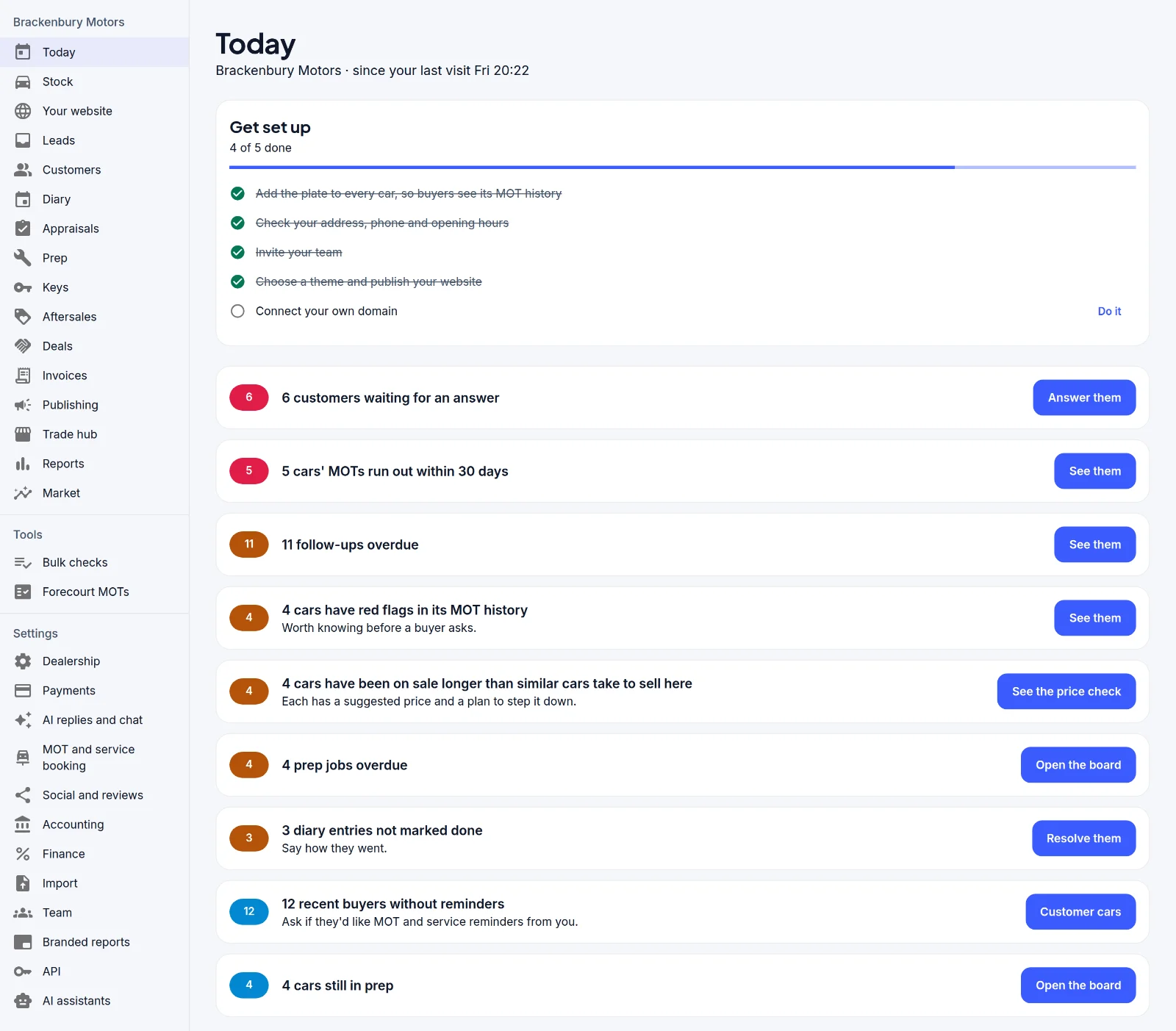
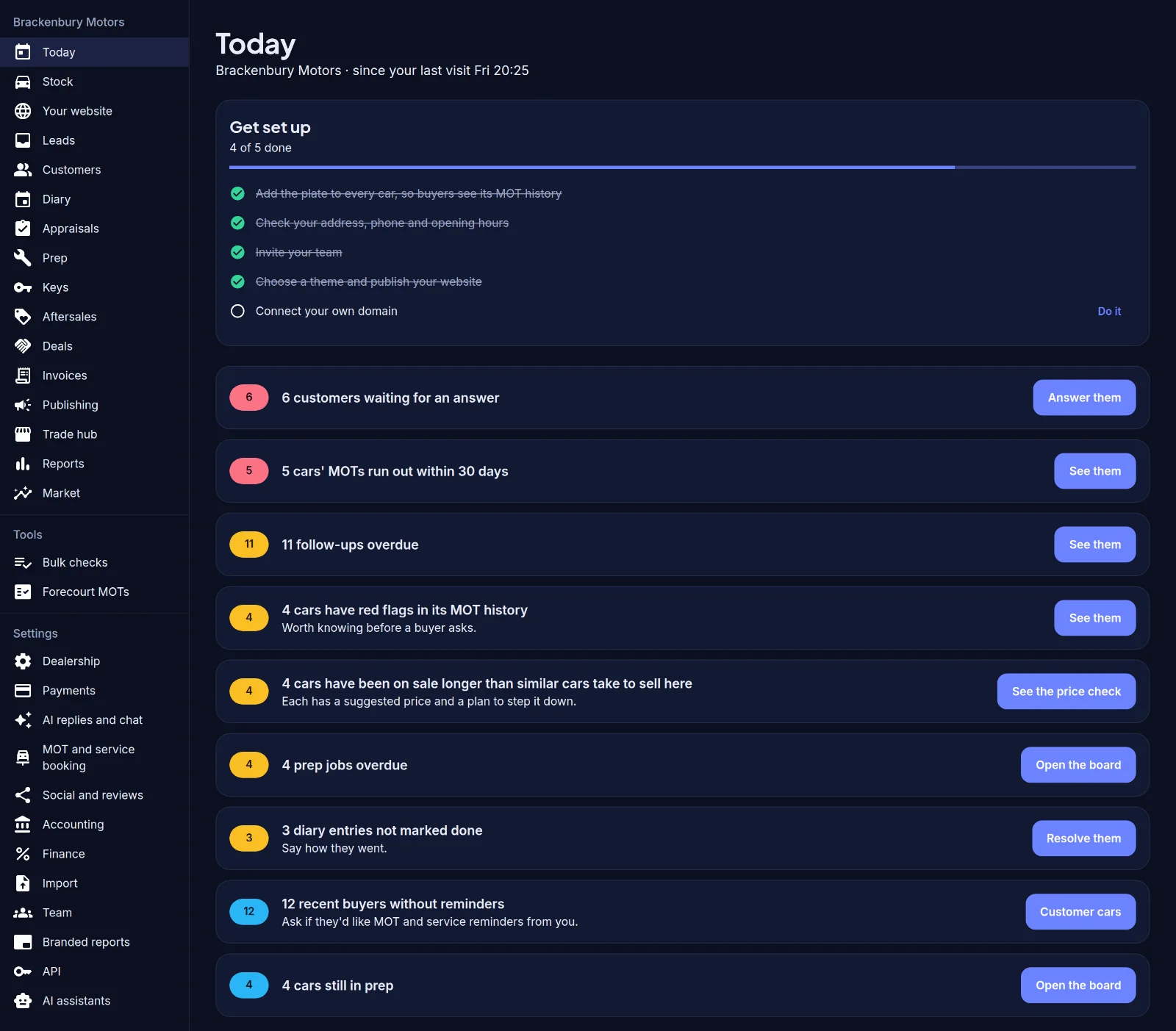


Photo by Ivan Kazlouskij on Unsplash
Photo by yahdi yasya on Unsplash
Stock, listings, photos, your own website, leads, invoicing and handover in one place. Claim your workspace and your stock is already there, loaded from your own website.
Claim your workspace and your stock is already there, loaded from your own website, with the MOT history of every car checked for you. These screenshots show a made-up London dealer and its first seven months.
Customers waiting for an answer, MOTs running out, follow-ups that are overdue and stock that’s getting old, each with a button to deal with it.
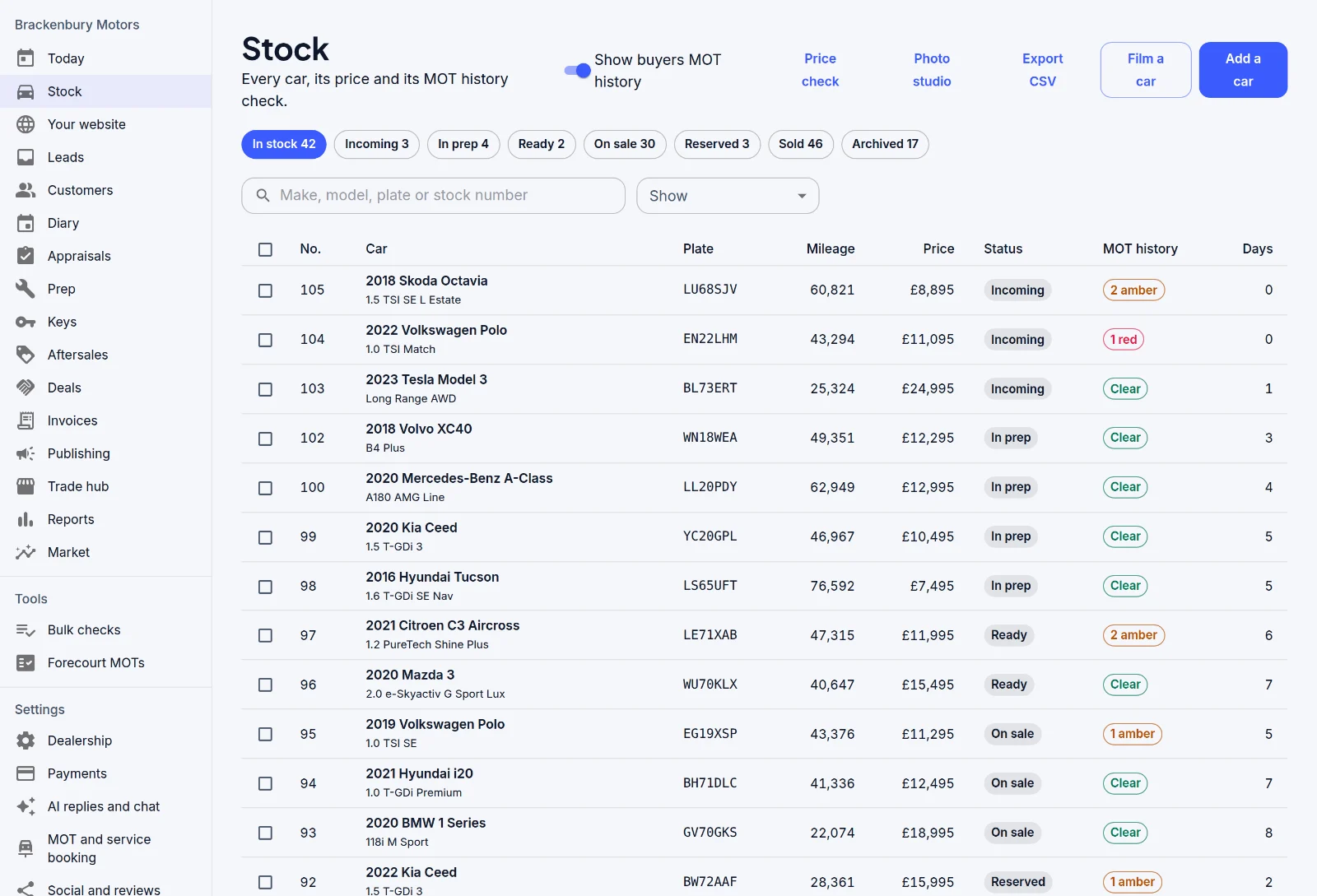
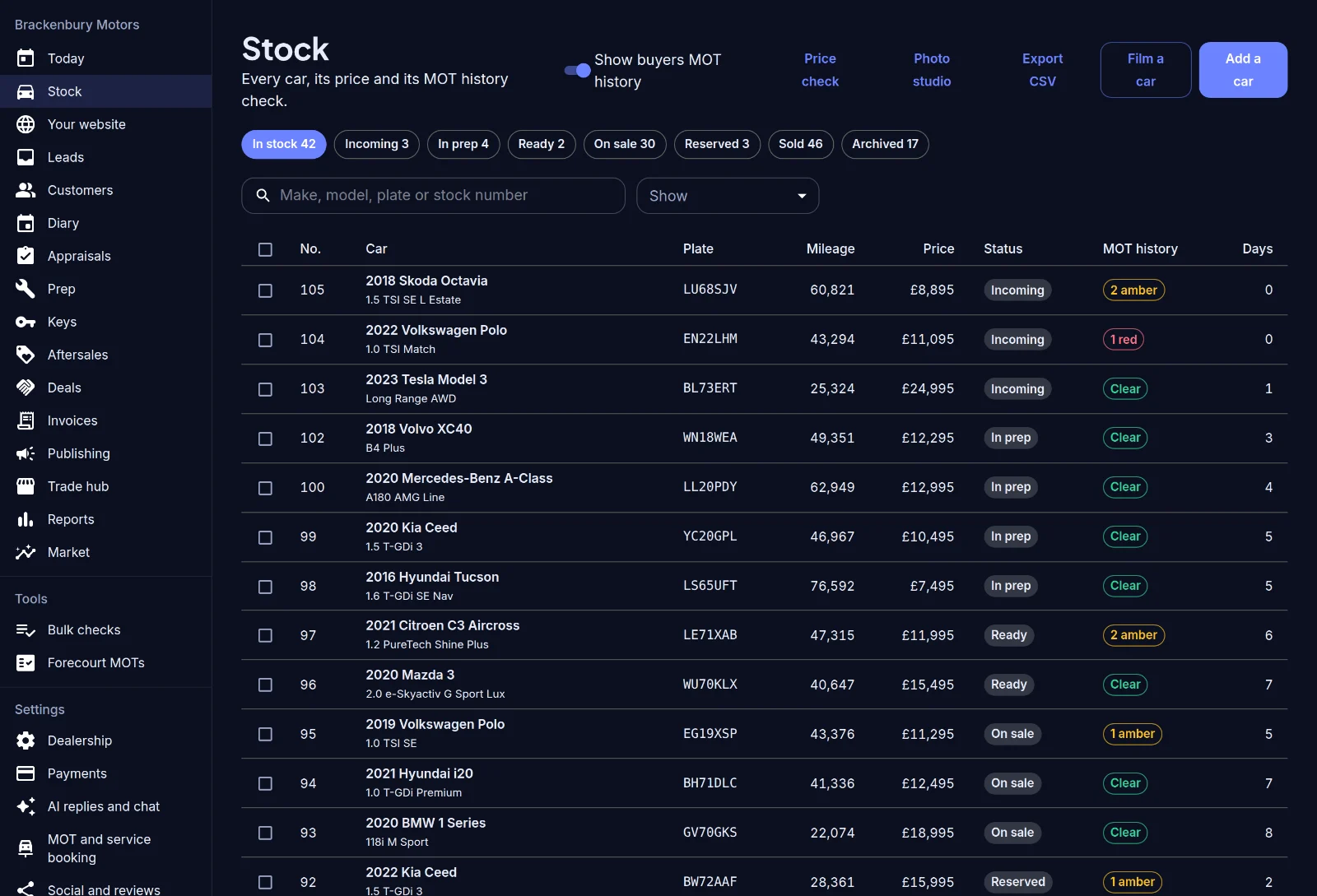
Price, status, days in stock and the result of each car’s MOT history check in one list, so you know which cars need a closer look before a buyer asks.
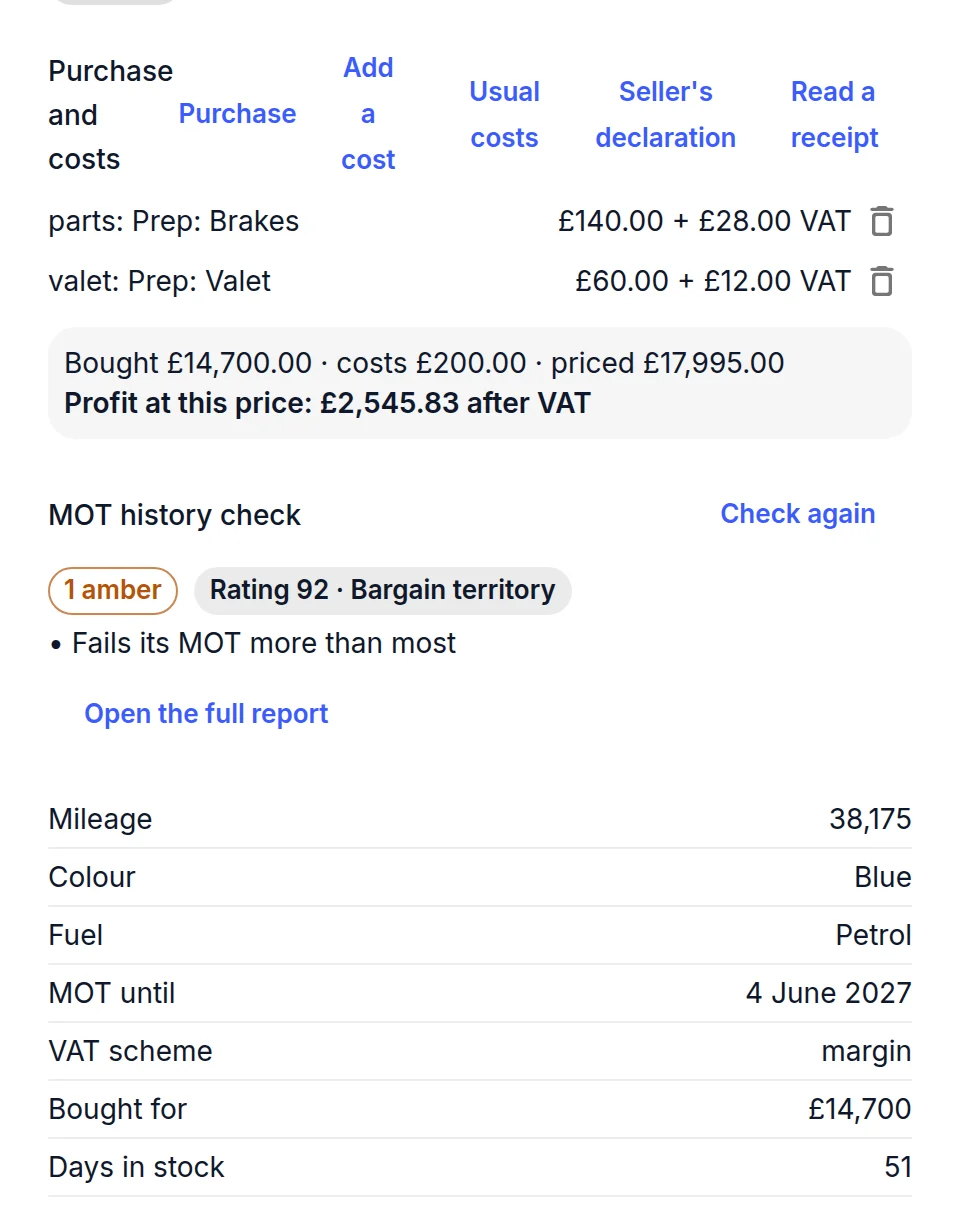
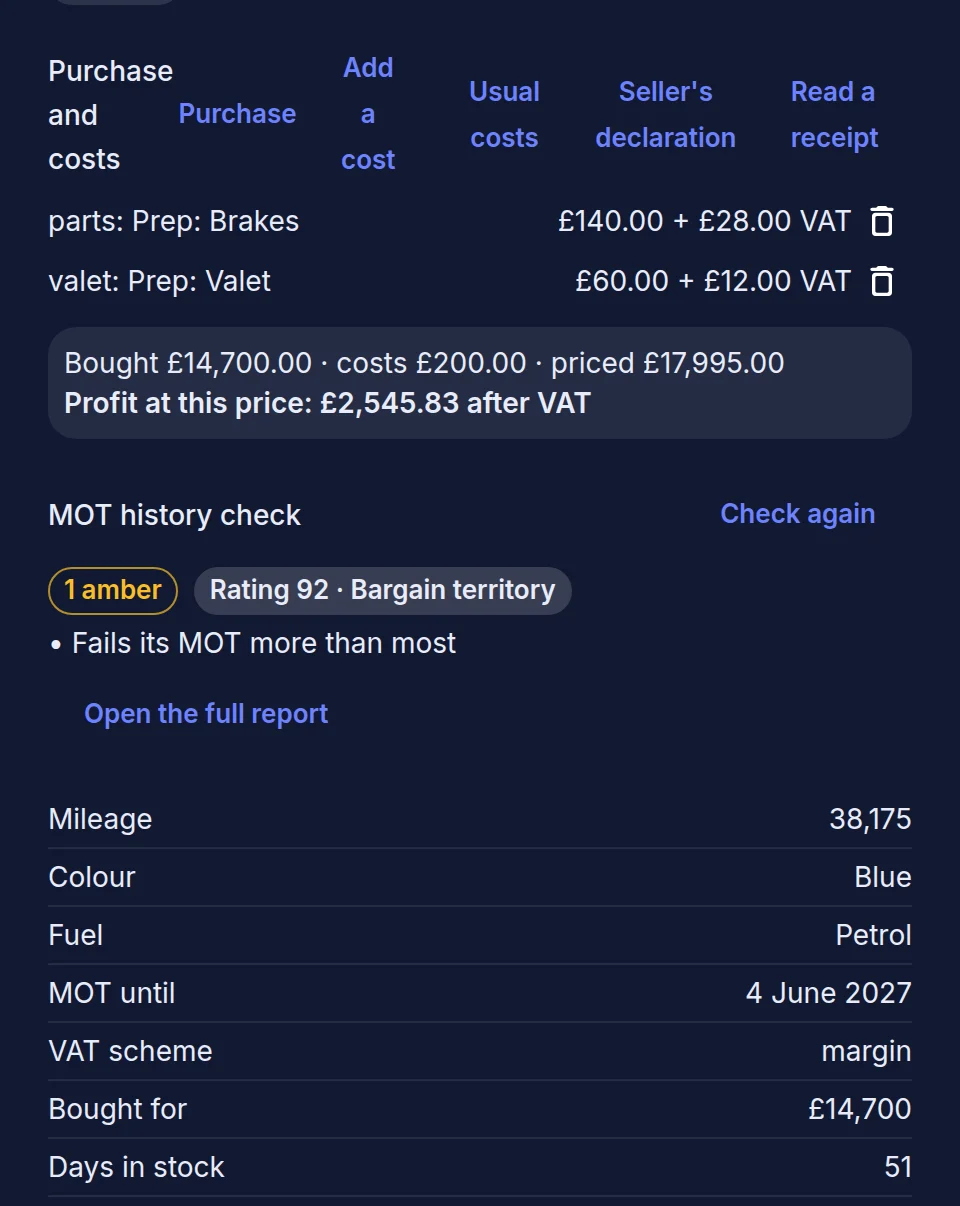
Open a car to see what you paid, what prep has cost and what you’ll make at the current price, next to its MOT history check.
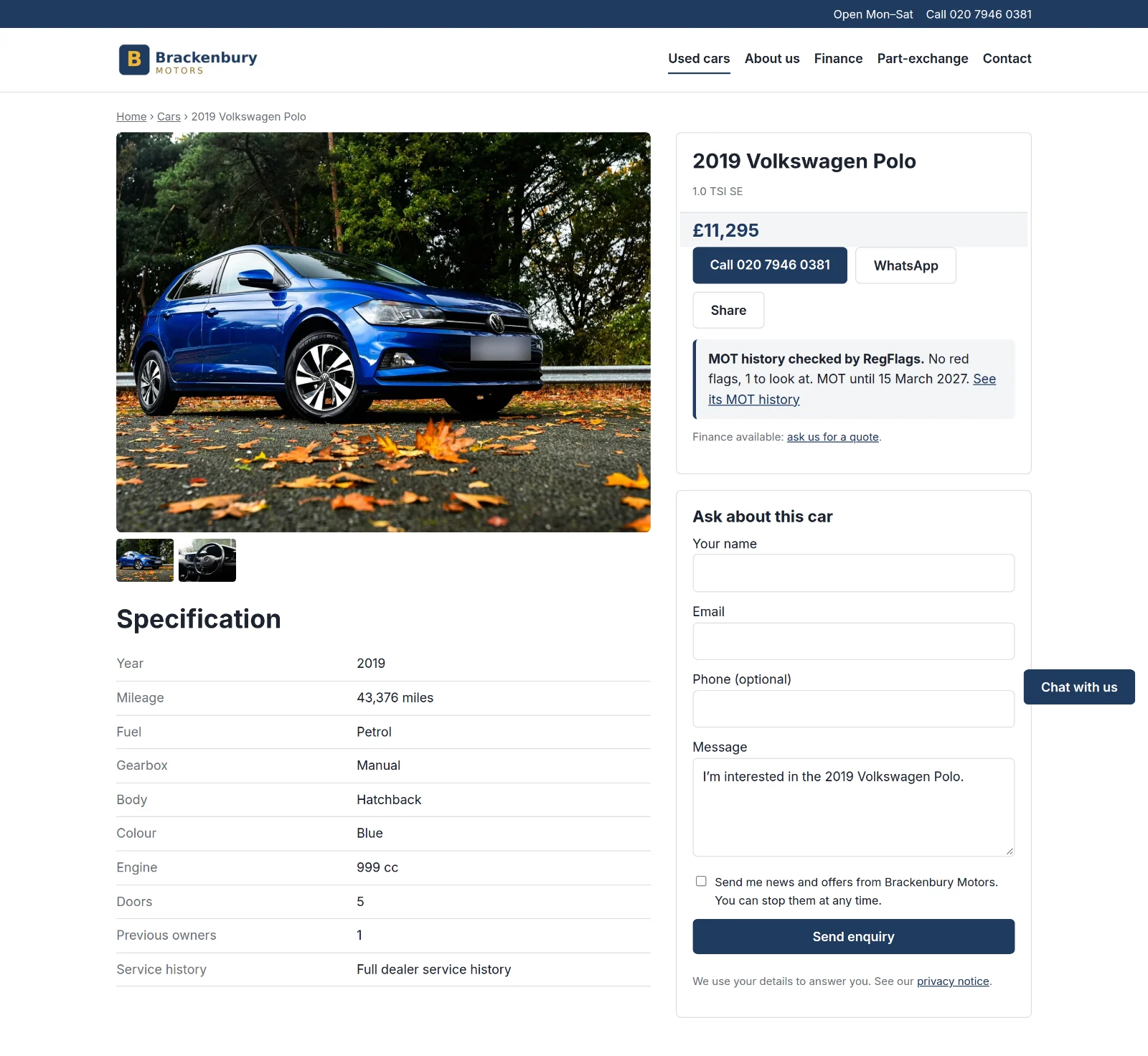
Choose a theme, make it yours with your logo, colours and pages, and publish it on your own address. Every car page shows its photos, the full spec, an enquiry form and a summary of its MOT history.
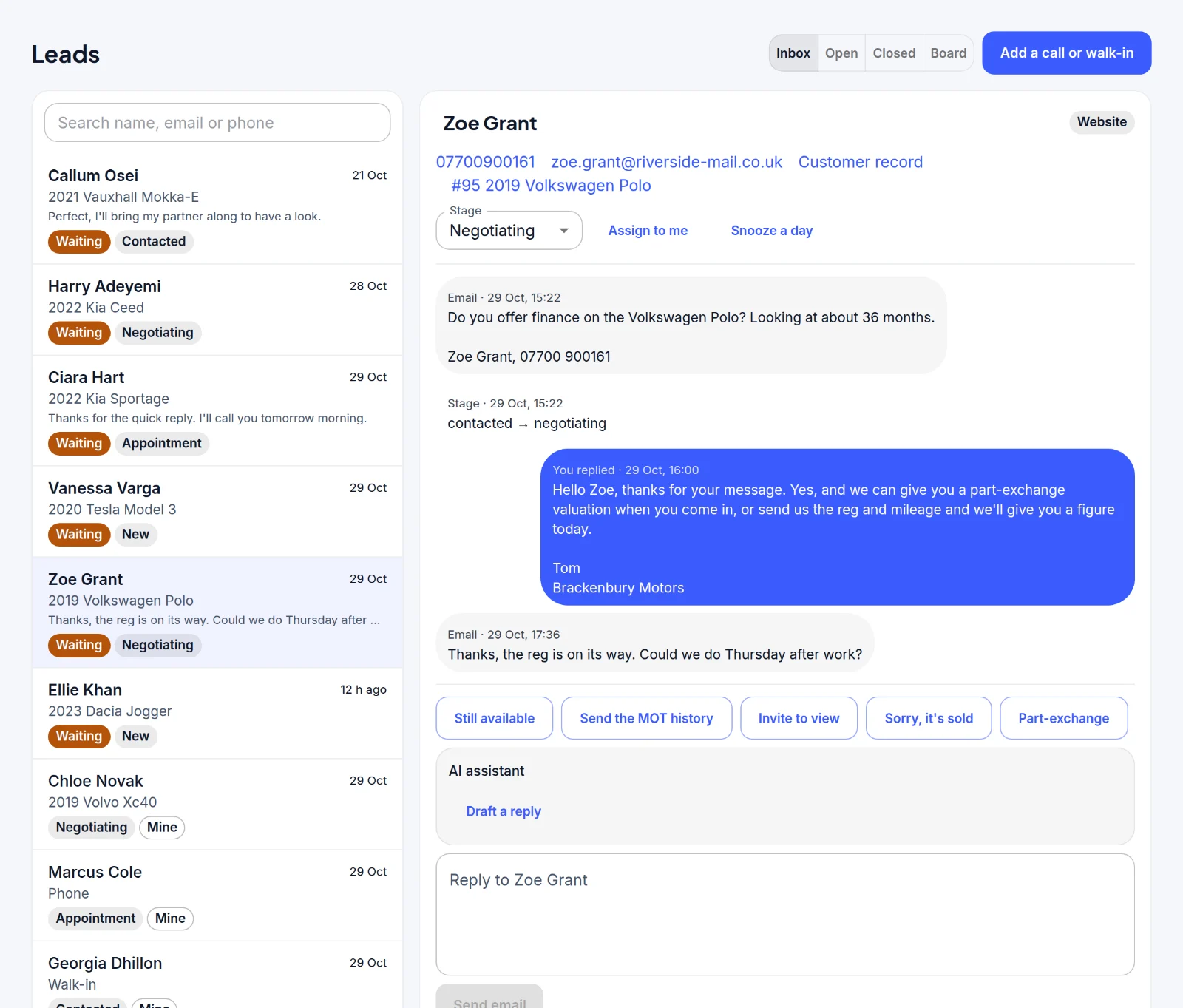
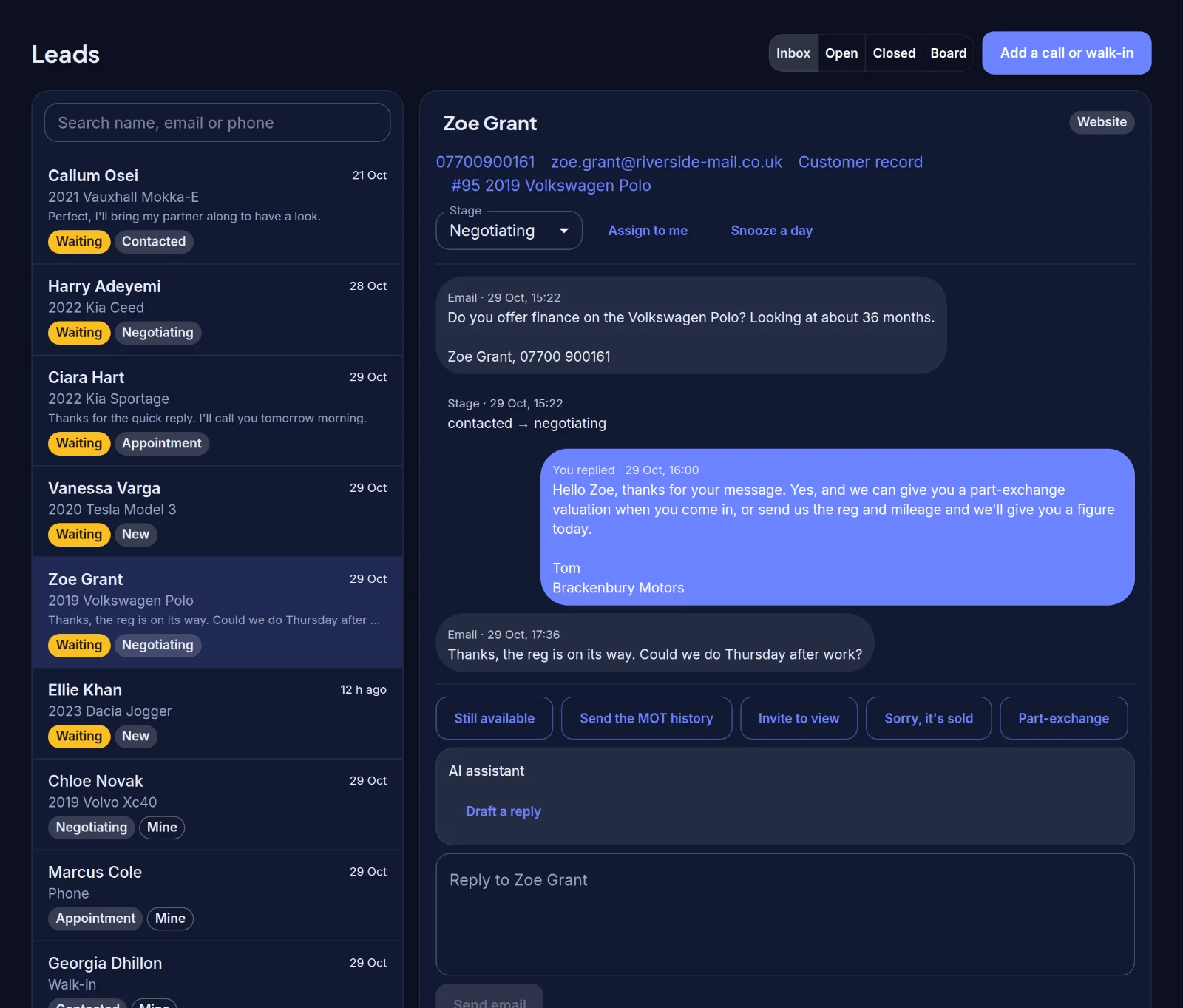
Enquiries from your website, RegFlags, phone calls and walk-ins land in one place, with the whole conversation and quick replies.
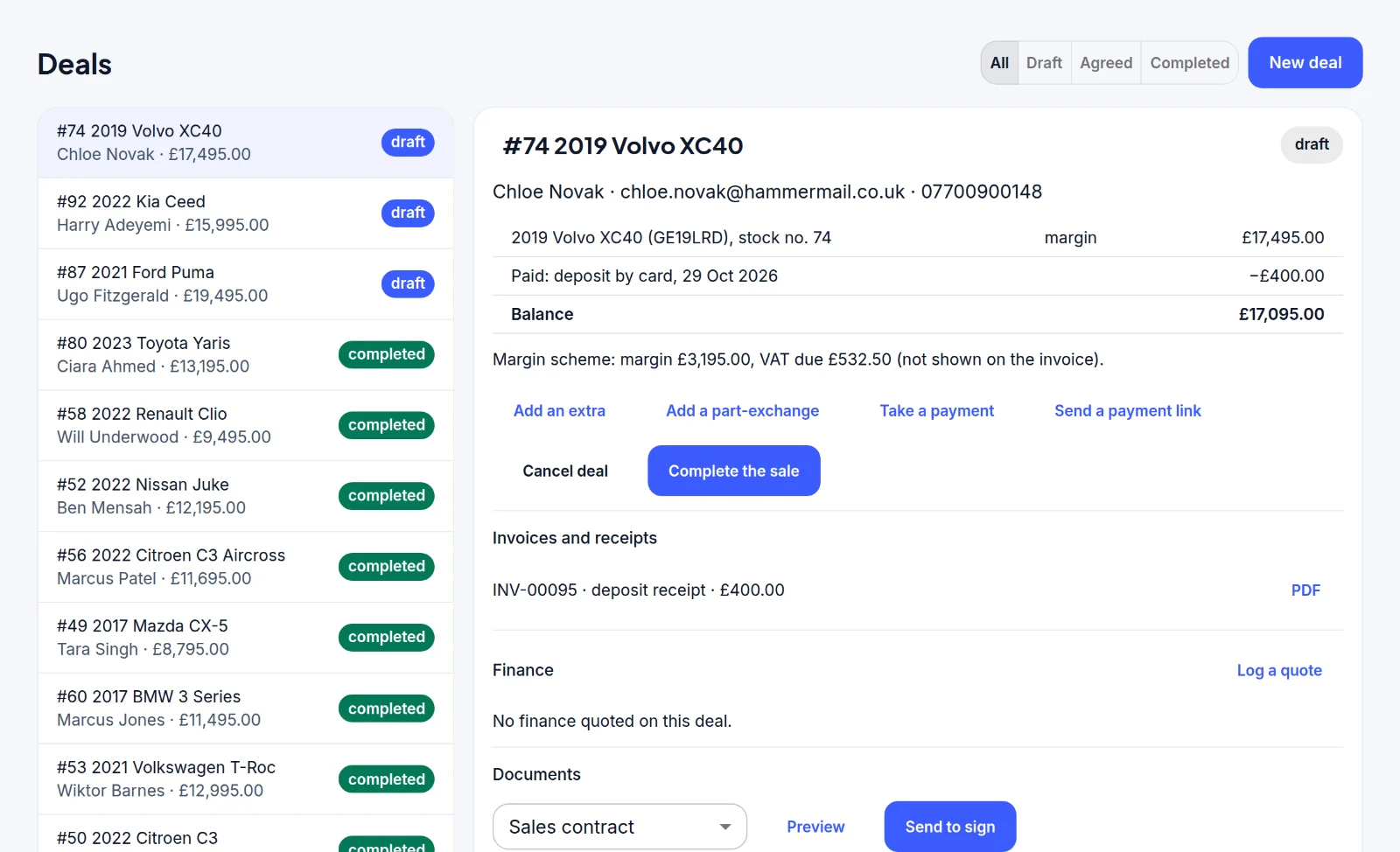
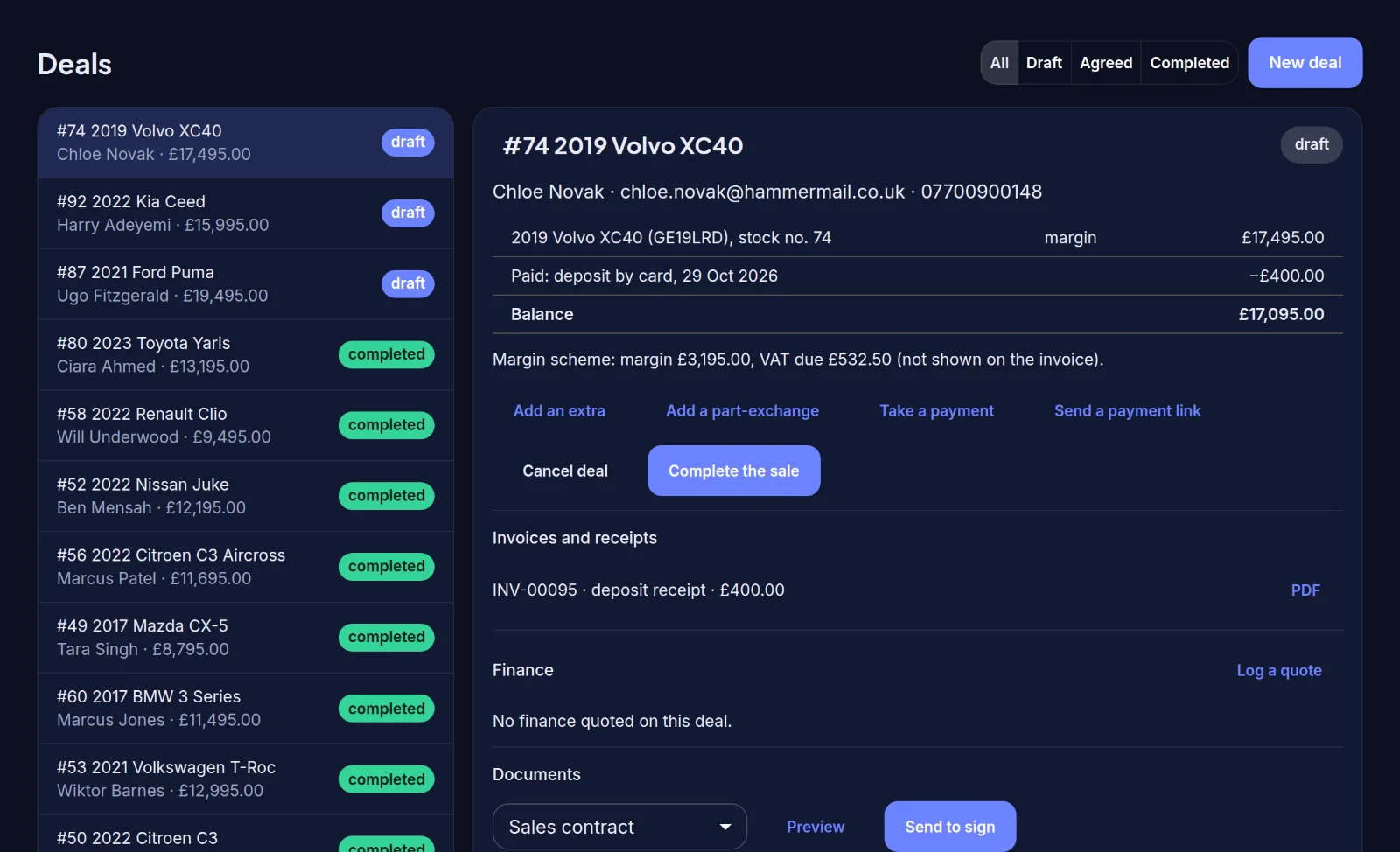
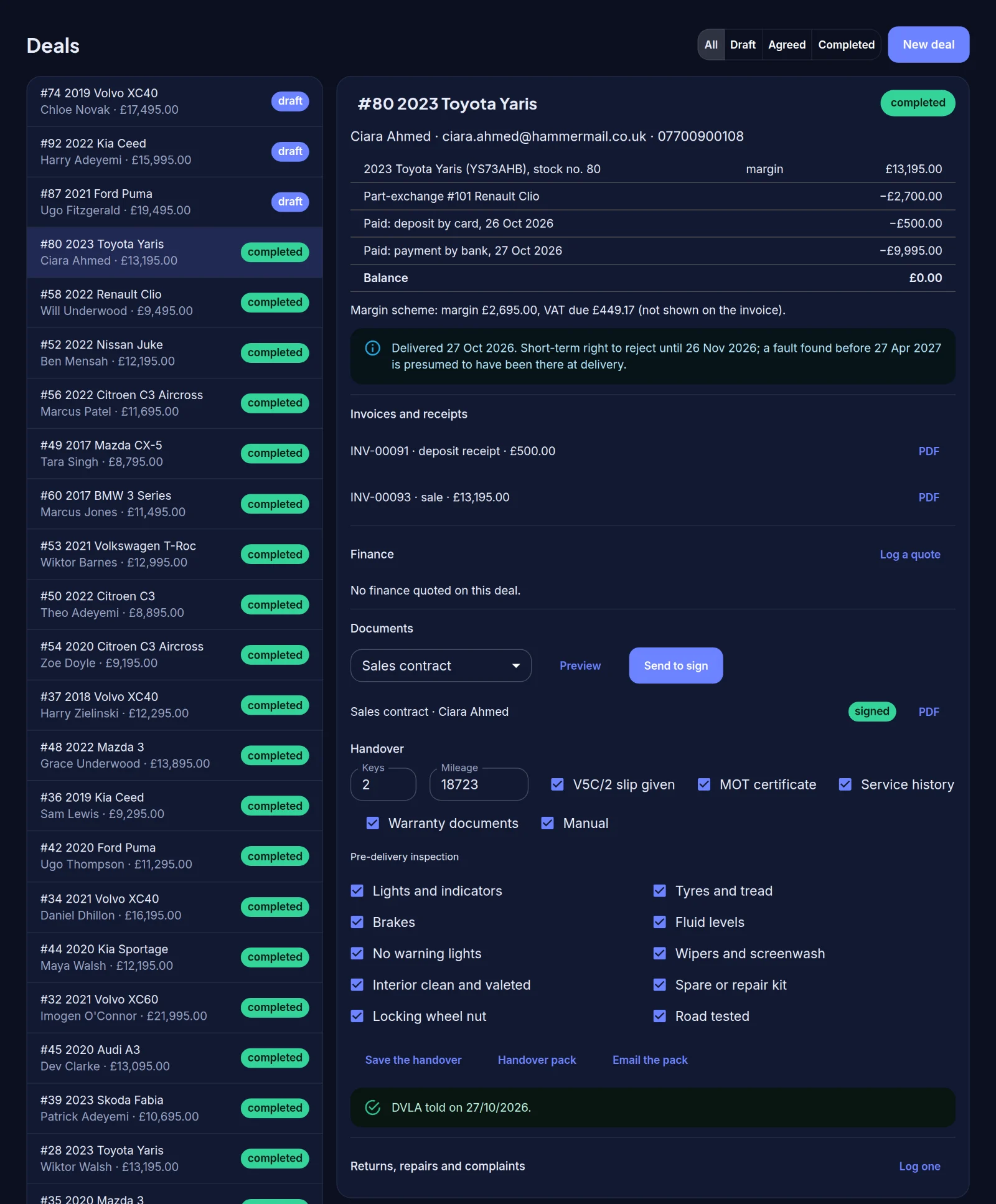
A deal holds the car, takes a deposit into your own Stripe account, adds any part-exchange and shows the balance and the margin-scheme VAT.
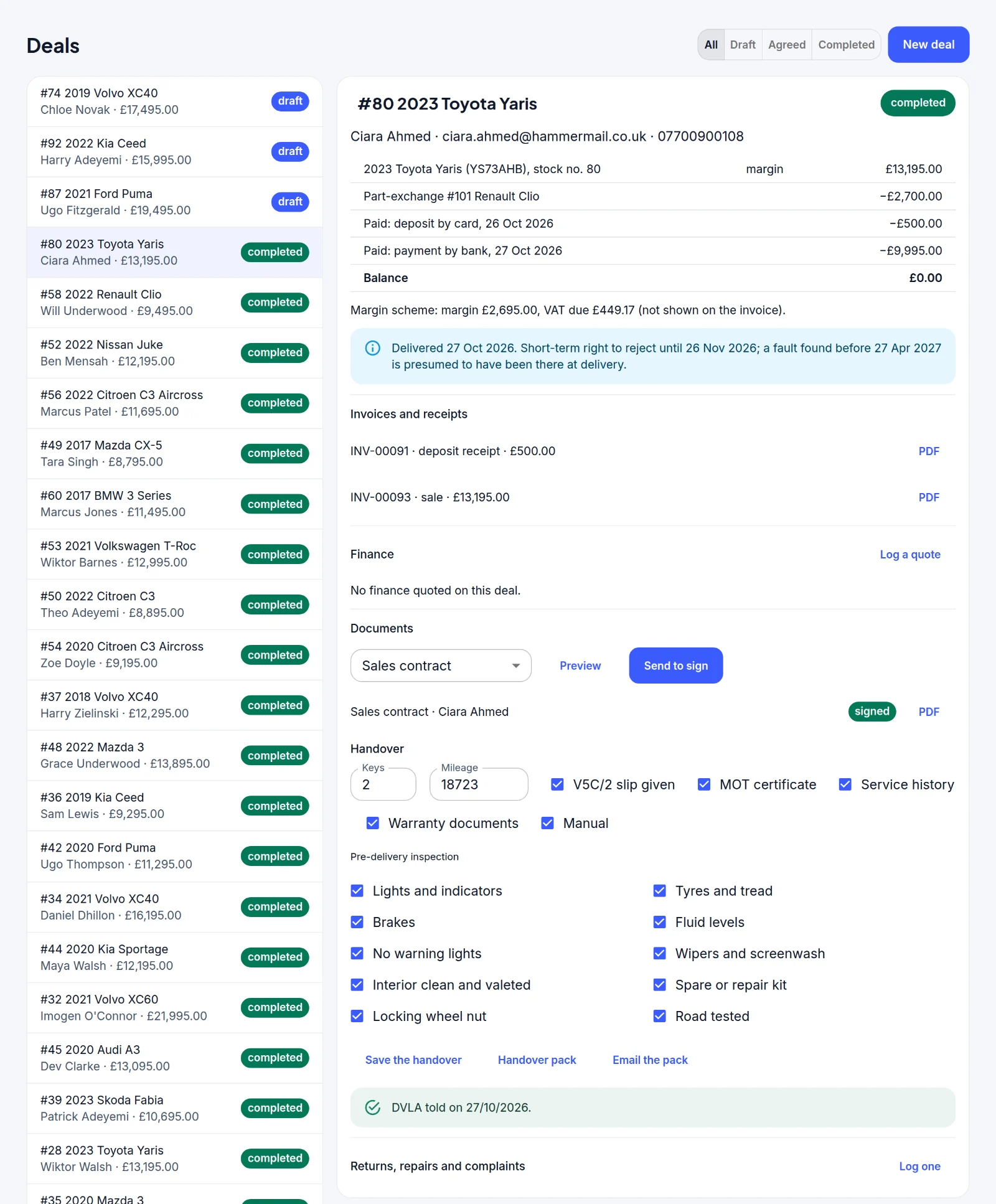
Contracts are signed online, and the handover checklist, handover pack and DVLA step are kept with the sale.
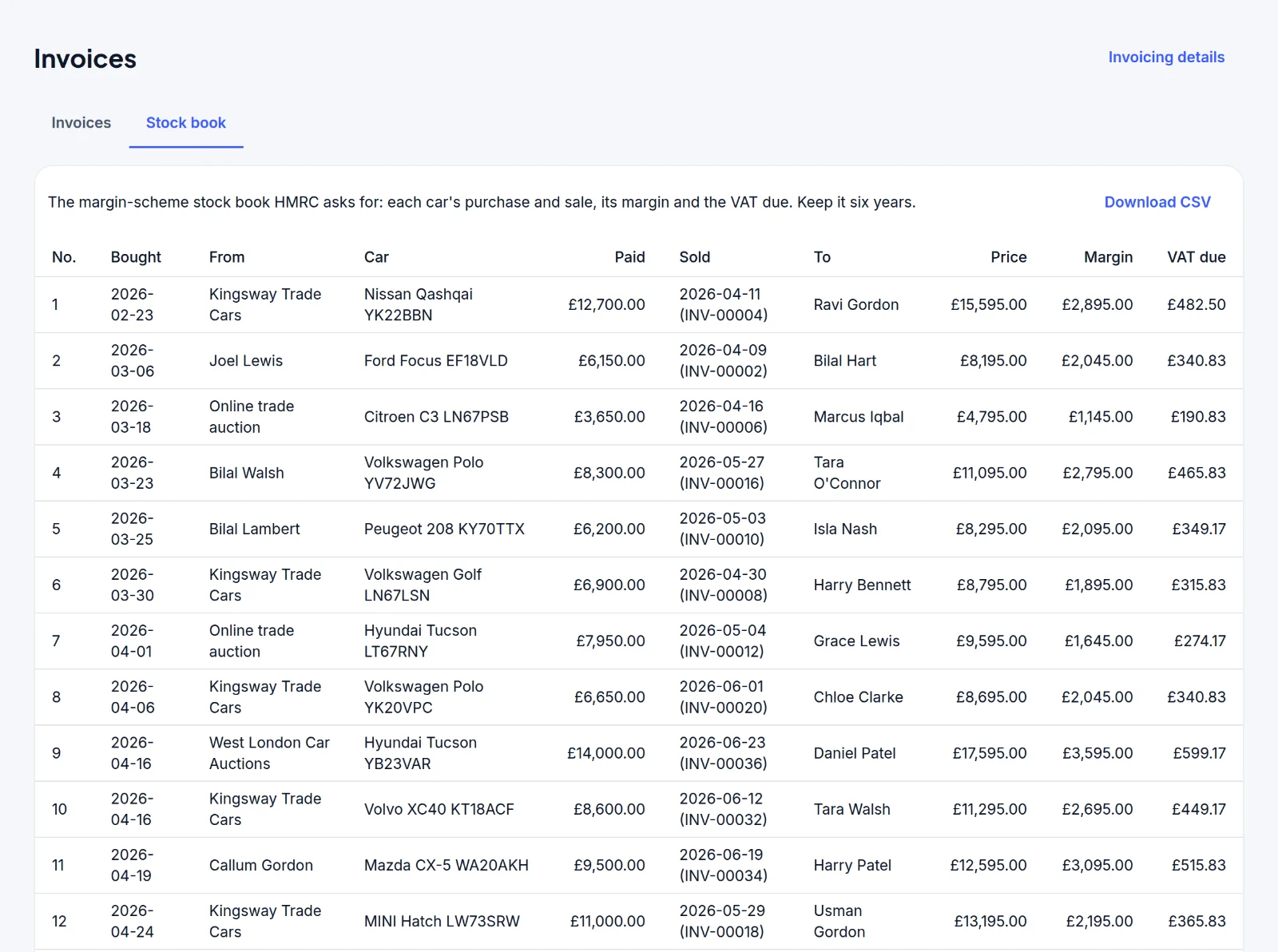
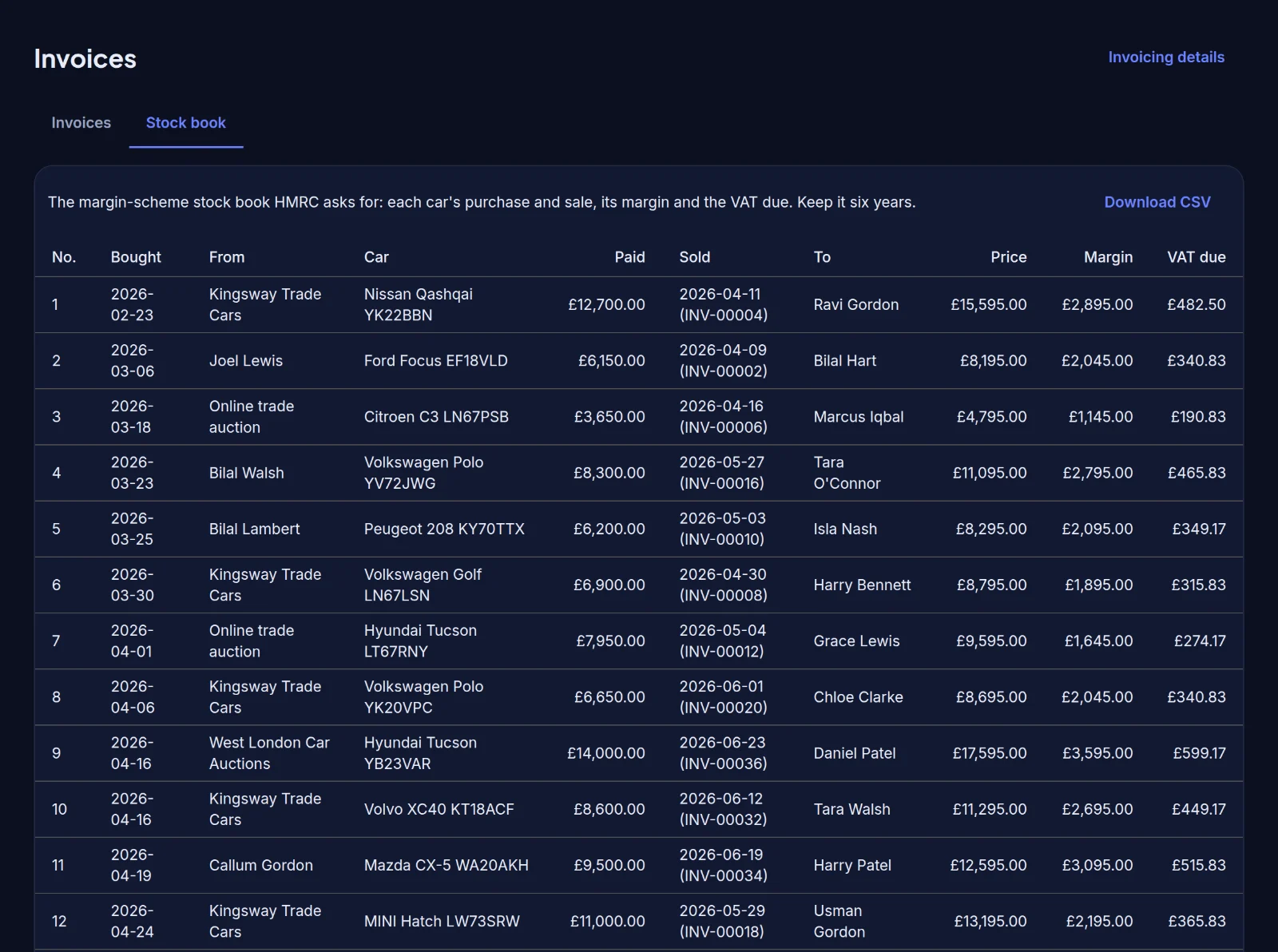
Purchase, sale, margin and VAT due for every car under the margin scheme, with numbered invoices and receipts for every sale.
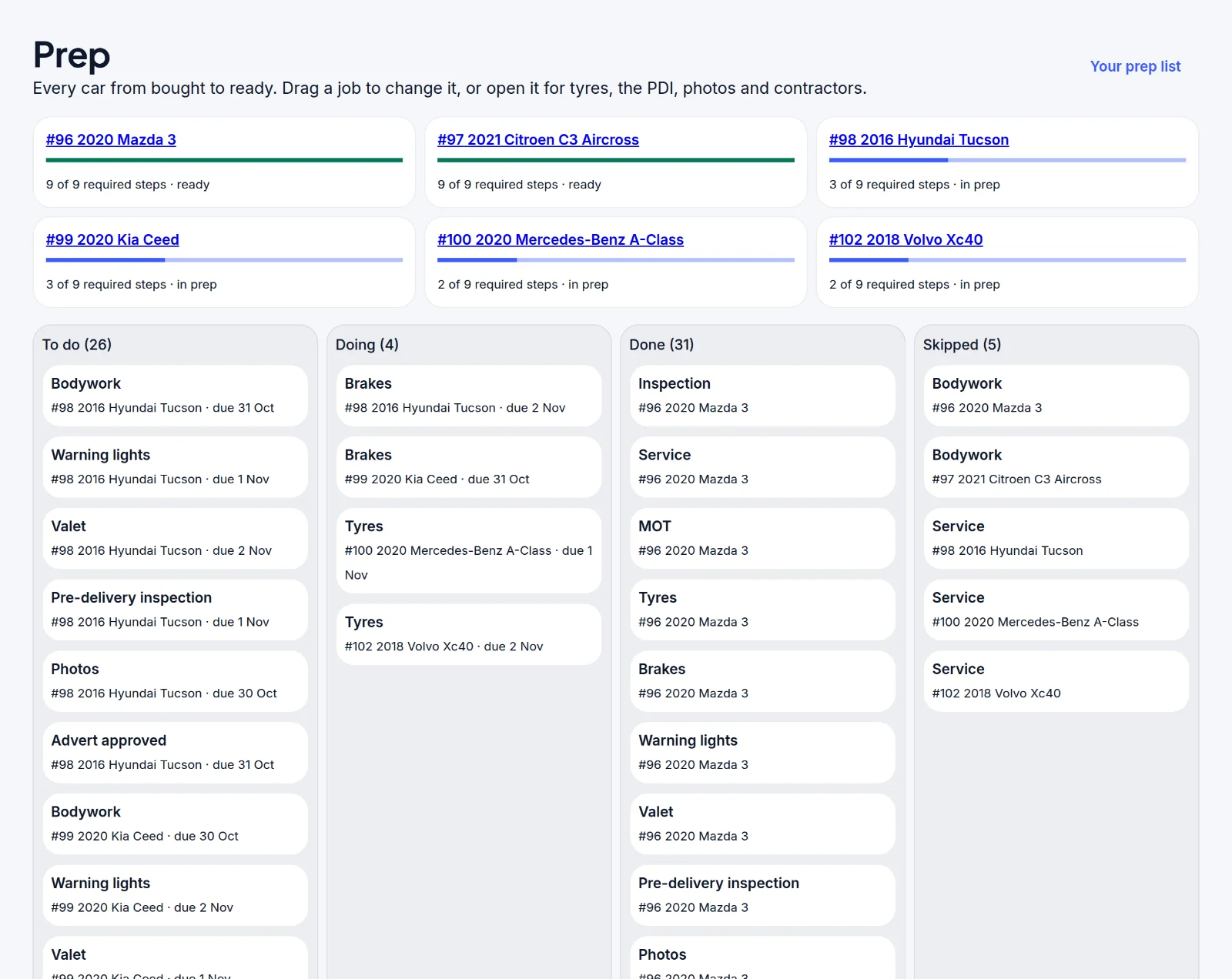
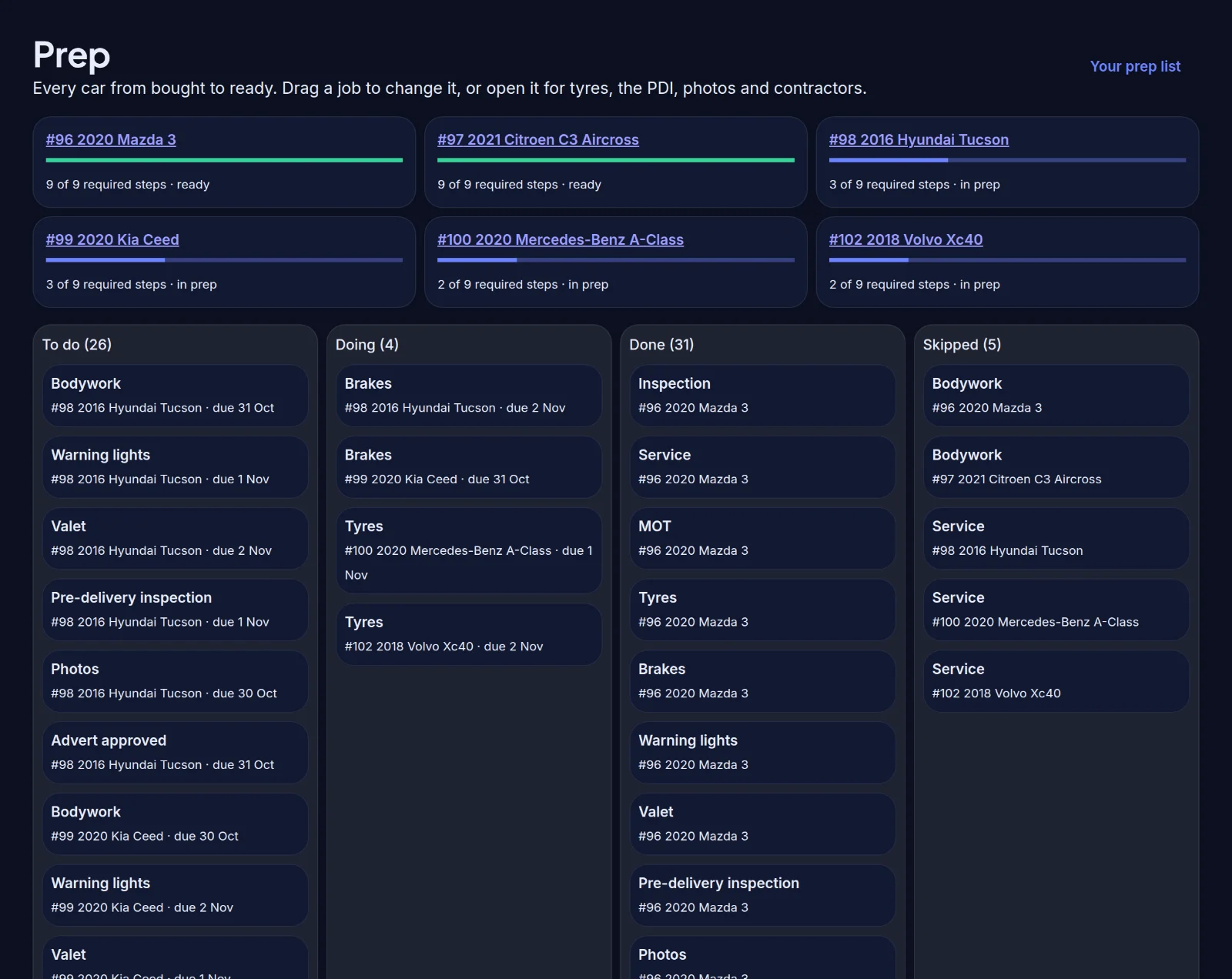
Prep and reconditioning jobs on one board, moving from to do to done, so you can see what’s still needed before a car goes on sale.
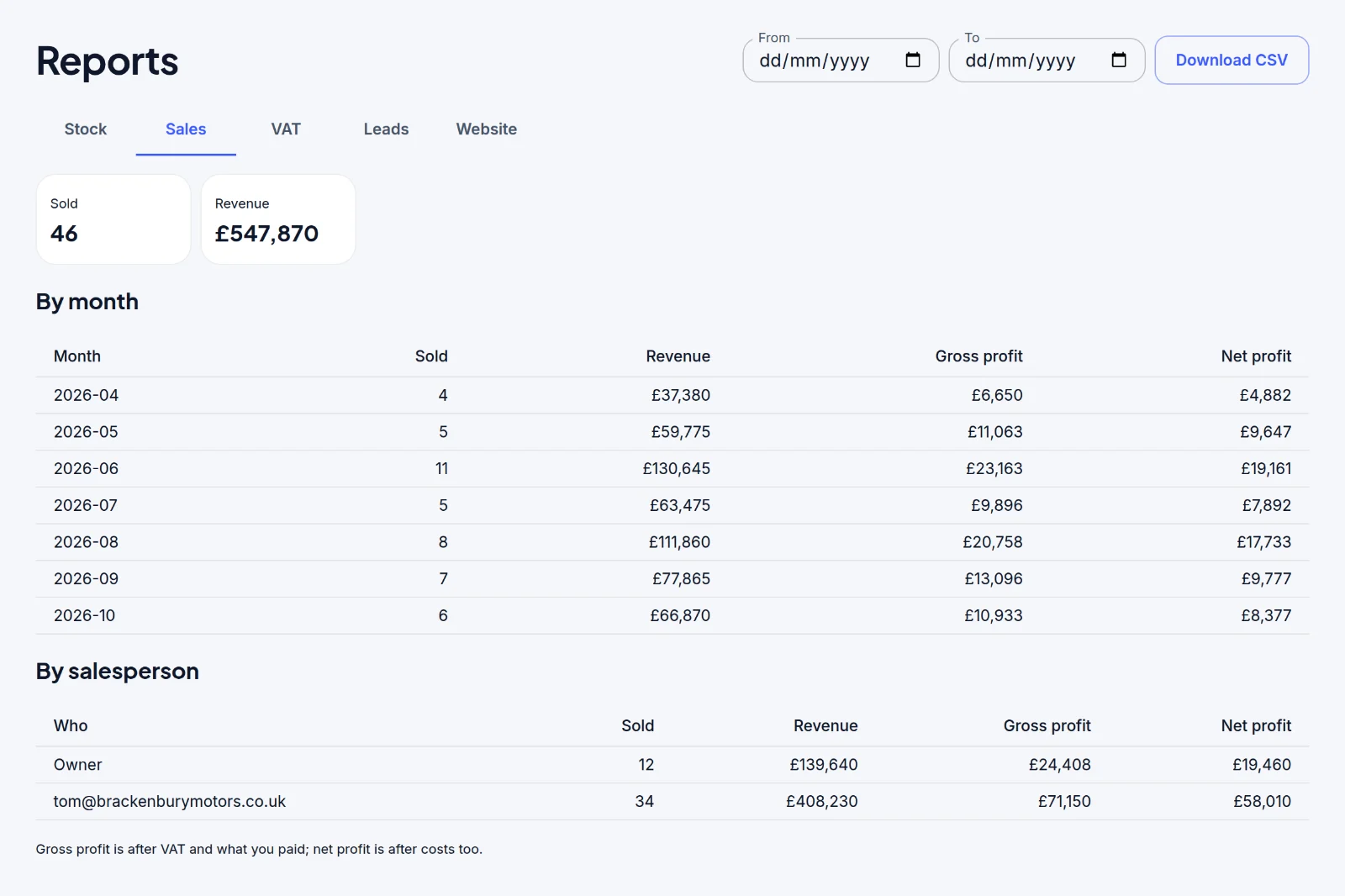
Sales, revenue and profit by month and by salesperson.
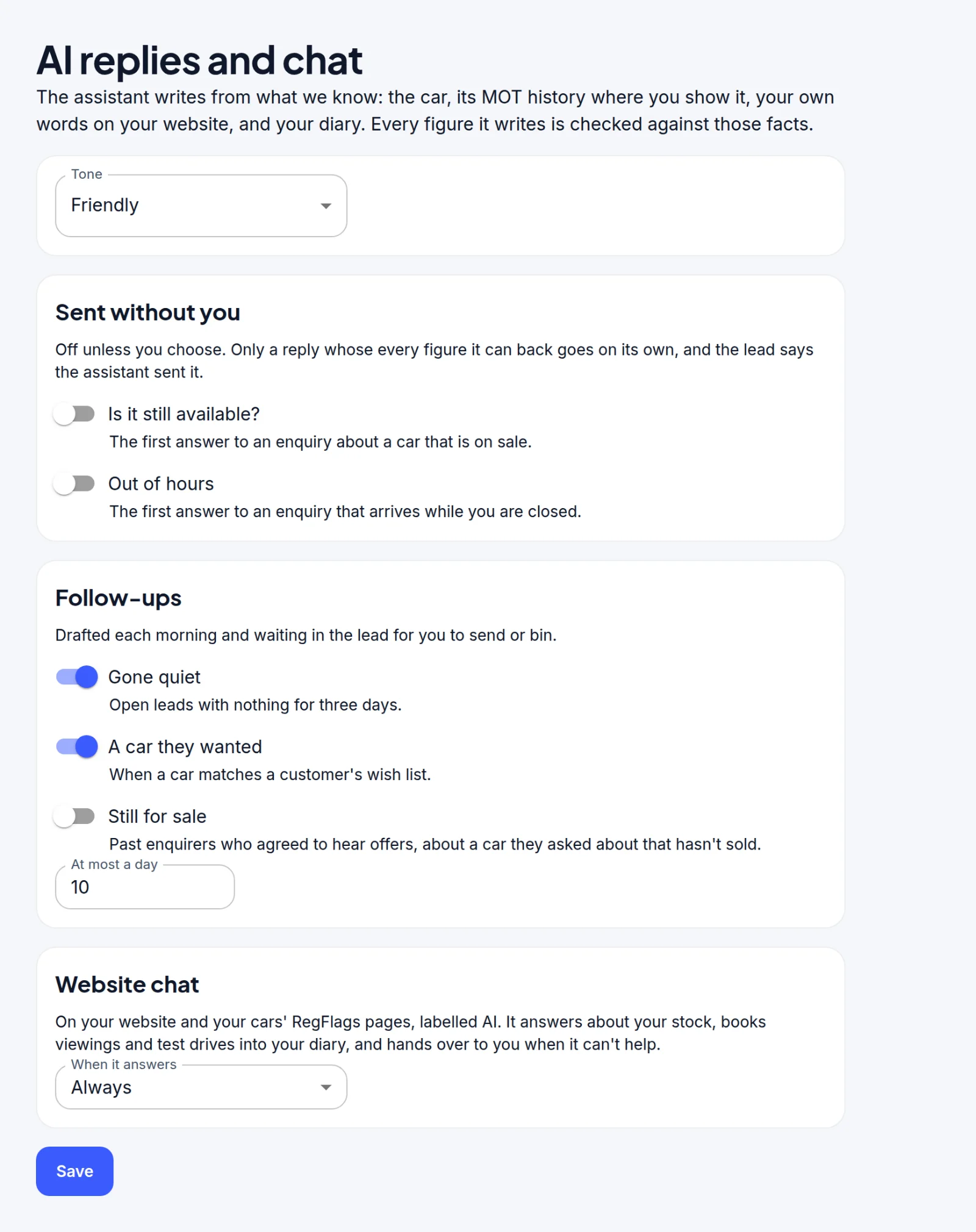
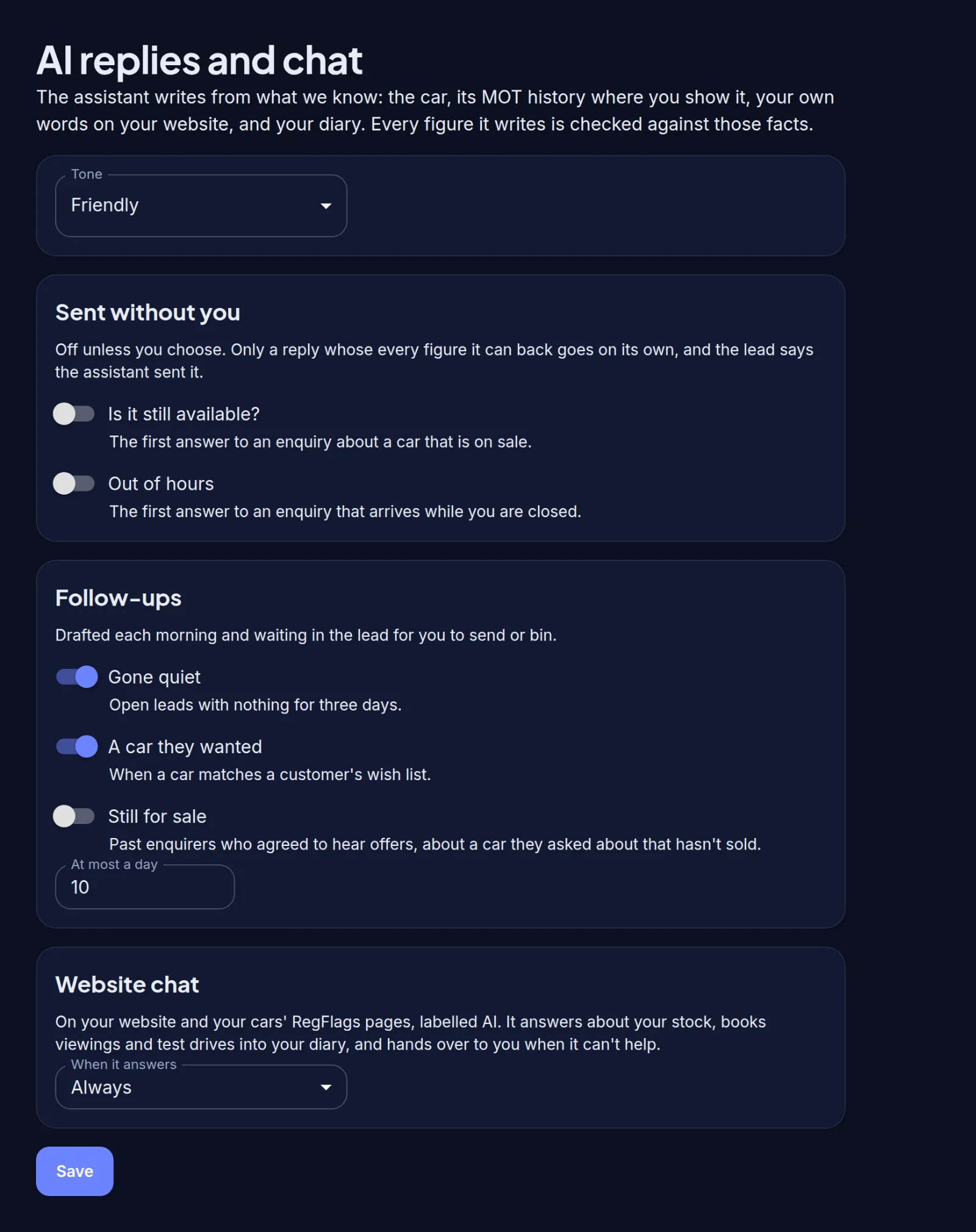
The assistant drafts replies to leads and website chats for you to check and send. You choose the few cases it may answer by itself, such as “is it still available?” out of hours.
A full MCP layer connects RegFlags to the AI assistant you already use, so you can ask for what you need in plain language and get it done without opening a screen.
Free MOT history checks for any UK car or van, with mileage checks, red flags, comparisons with similar cars and a plain-English report.
Your cars appear on RegFlags as soon as you claim your workspace, with their MOT history, where buyers are already checking cars.
Clean, consistent backgrounds for your stock photos. Only the background changes: the car itself is never redrawn, and the original is always kept.
Film one walk-round video and RegFlags turns it into the car’s photos and suggests its plate, mileage and details for you to confirm.
Publish your stock to Autotrader, eBay Motors, CarGurus and Motors.co.uk from one place, so cars that sell come down everywhere.
One record for each customer, with their enquiries, appointments and the cars they’re looking for.
Test drives, viewings, collections and appraisals, with licence and insurance checks before a test drive.
Value a car you’re offered, starting with its MOT history, then record damage, tyres and your offer.
MOT, service and warranty reminders go to the buyers who agreed to them, from your dealership.
Sync invoices and stock to Xero, then QuickBooks, with exports for Sage and FreeAgent.
Keep the records finance sales need, such as your FCA status, representative examples and disclosures.
Run several sites or a group from one account, with the right access for each person.
Buy and sell stock with other dealers.
Bring your stock in from your current system, and take a full export of your data whenever you want.
Visit regflags.co.uk/trade, or get in touch and we’ll help you set up your dealership and bring your stock in.
By default, yes: it’s a reason to buy from you. You can turn it off for your dealership or for individual cars.
Yes. You can export all of your data whenever you like, and you can bring your stock in from your current system.